GAVIN-8C Instruction Manual
- 18 -
Rev: It means the direction of selected channel is the reverse direction.
The default is Norm.
WARNING:
Please set the Rev Set function before setting the Fail Safe function.
Otherwise it will affect the direction of the fail safe (opposite to the original
direction).
Generally, do not set the value of CH3 (throttle channel) to Rev.
End Point [End Point]
The adjustment is carried out with reference to the neutral position. This function
allows independent adjustment of the servo left/right (or up/down) movement, for
each channel.
When multiple channel mixing is used, the resultant servo movement angle may
become too large, and an unreasonable force be applied to the linkages. It is
possible to limit the maximum movement of the servos by setting the end point.
Setting Method:
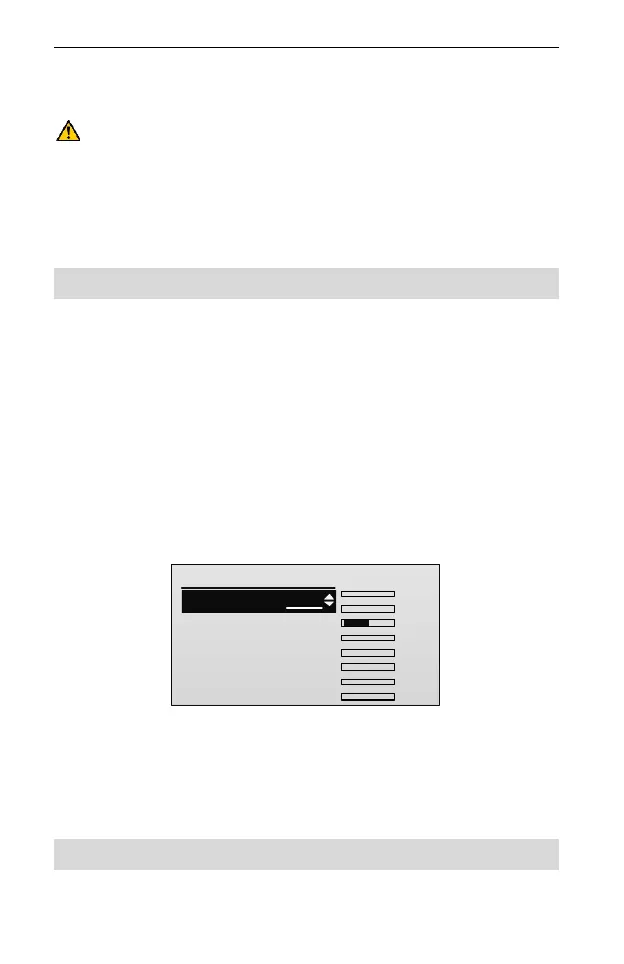
1. In the Airplane Parameter menu, press UP or DOWN key to select End
Point, and then press ENT key to enter the setting interface.
End Point
1/16
1. CH1 LOW:
2.CH1 HIG:
3.CH2 LOW:
4.CH2 HIG:
5.CH3 LOW:
100
100
100
100
TxChs
100
........
AIL:0
ELE:0
THR:-100
RUD:0
GEAR:0
AUX1:0
AUX2:0
AUX3:0
2. Press UP or DOWN key to select LOW/HIG of one channel, and then press
R/+ or L/- key to set the value of LOW/HIG travel.
LOW/HIG: It is used to adjust the left/right (or up/down) servo throws of each
channel. Values: 0~120. The default is 100.
Sub Trim [Sub Trim]
This function is used to set the servo neutral position.



 To Next Page