- 36 -
Model Parameter (Helicopter)
Before setting the model parameters, please select the Model and Type in the
Model Set menu first. If the model is airplane, set Type to HELI.
After entering the main menu, press UP or DOWN key to select Model
Parameter, and then press ENT key to enter the Heli Parameter interface.
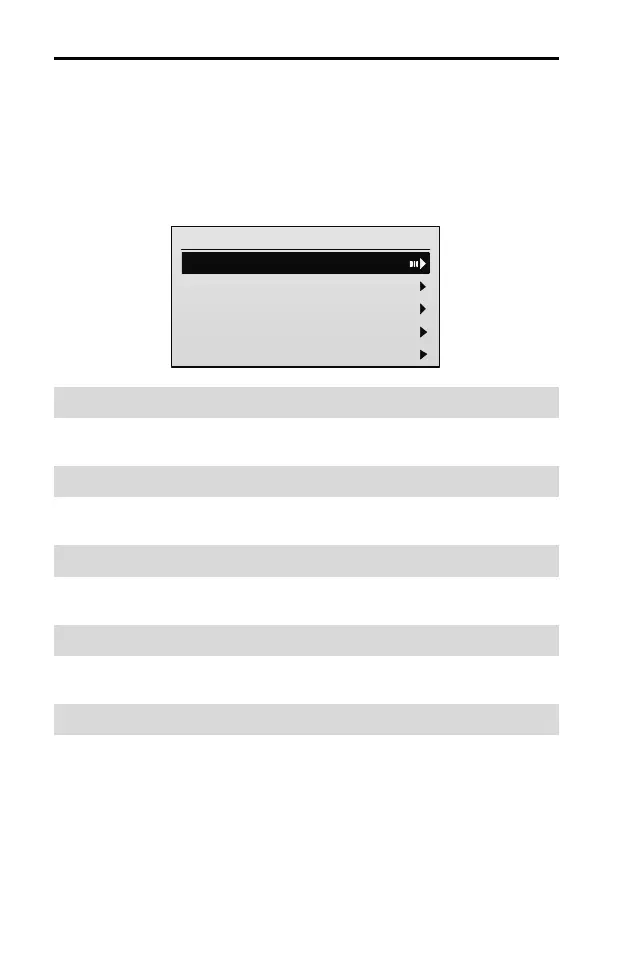
Heli Parameter
1/9
1. Rev Set
2.End Point
3.Sub Trim
4.Stick Curve
5.THR Curve
Reverse [Rev Set]
Please refer to Reverse [Rev Set] (Page 17).
End Point [End Point]
Please refer to End Point [End Point] (Page 18).
Sub Trim [Sub Trim]
Please refer to Sub Trim [Sub Trim] (Page 18).
Stick Curve [Stick Curve]
Please refer to Stick Curve [Stick Curve] (Page 19).
Throttle Curve [THR Curve]
This function is used to adjust throttle servo operation in response to throttle stick
operation. The servo position can be set independently for a maximum of 9 point
positions.
You can set throttle curve for the helicopter's NORM (normal) and ACR
(acrobatic) flight mode respectively.
NORM THR Curve (Normal Throttle Curve): It is used to adjust throttle servo



 To Next Page