GAVIN-8C Instruction Manual
- 26 -
Flaperon mixing allows the ailerons to operate in the same direction (as ailerons)
and in opposing directions (as flaps).
Setting Method:
1. In the Mix Set setting interface, press UP or DOWN key to select Flaperon
Mix, and then press ENT key to enter the setting interface.
Flaperon Mix
1/1
1. Mix Set:
OFF
TxChs
........
AIL:0
ELE:0
THR:-100
RUD:0
GEAR:0
AUX1:0
AUX2:0
AUX3:0
2. Modify the value of Mix SW to ON by pressing R/+ key, to activate Flaperon
mixing function.
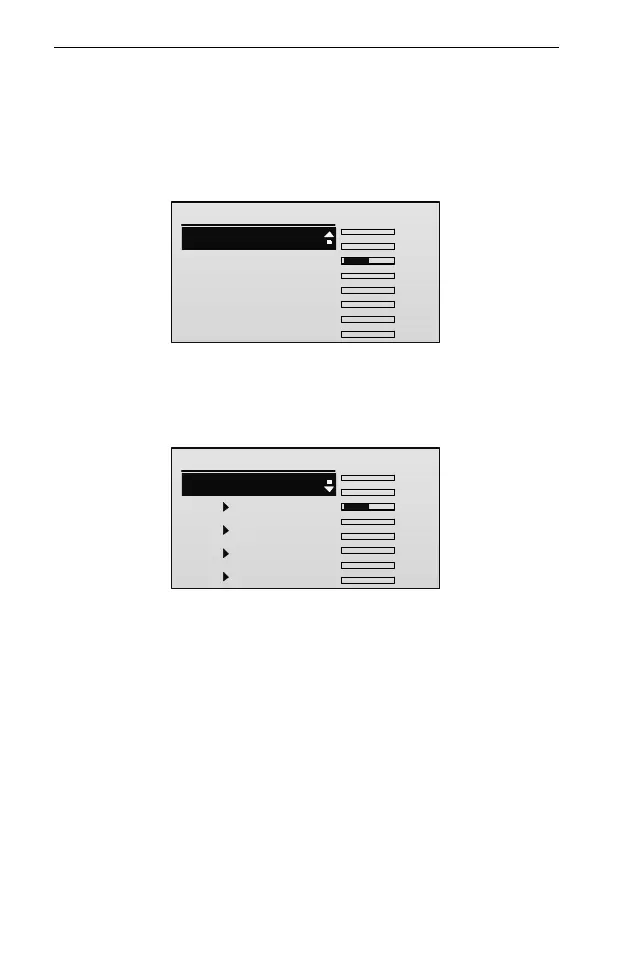
The setting interface is shown in the following figure.
Flaperon Mix
1/5
1. Mix SW:
2.AIL AIL:
3.AIL FLP:
4.FLP AIL:
5.FLP FLP:
ON
100
100
-100
TxChs
100
........
AIL:0
ELE:0
THR:-100
RUD:0
GEAR:0
AUX1:0
AUX2:0
AUX3:0
3. Press UP or DOWN key to select the setting item, and then press R/+ or L/-
key to set the value of the item.
AIL▶AIL: This parameter is used to set the mixing rate (percentage) from
aileron channel to itself. Values: -100~100. If the value is negative, it will
adjust the aileron operation in the negative direction. If the value is positive, it
will adjust the aileron operation in the positive direction. The default is 100.
AIL▶FLP: This parameter is used to set the mixing rate (percentage) from
aileron channel to flap channel. Values: -100~100. If the value is negative, it
will adjust the flap operation in the negative direction. If the value is positive, it
will adjust the flap operation in the positive direction. The default is -100.
FLP▶AIL: This parameter is used to set the mixing rate (percentage) from flap



 To Next Page