User Manual DEV 2194
18 Copyright DEV Systemtechnik GmbH 2013-2017
The labels "SystemName" and "SystemLocation" are the SNMP variables
'System Name' and 'System Location'; both can be set within the SNMP setup
(please refer to chapter 5.4.7.2.2).
If the Start Screen is not accessible, make sure that the computer accessing the
device is in the same subnet of the common network (chapter 4.4.1.1).
If the network connection to the device gets lost during a session, a
corresponding notification will pop up. After confirmation, the web browser is
redirected to the Start Screen. If the device is accessible again, a new
authentication is required.
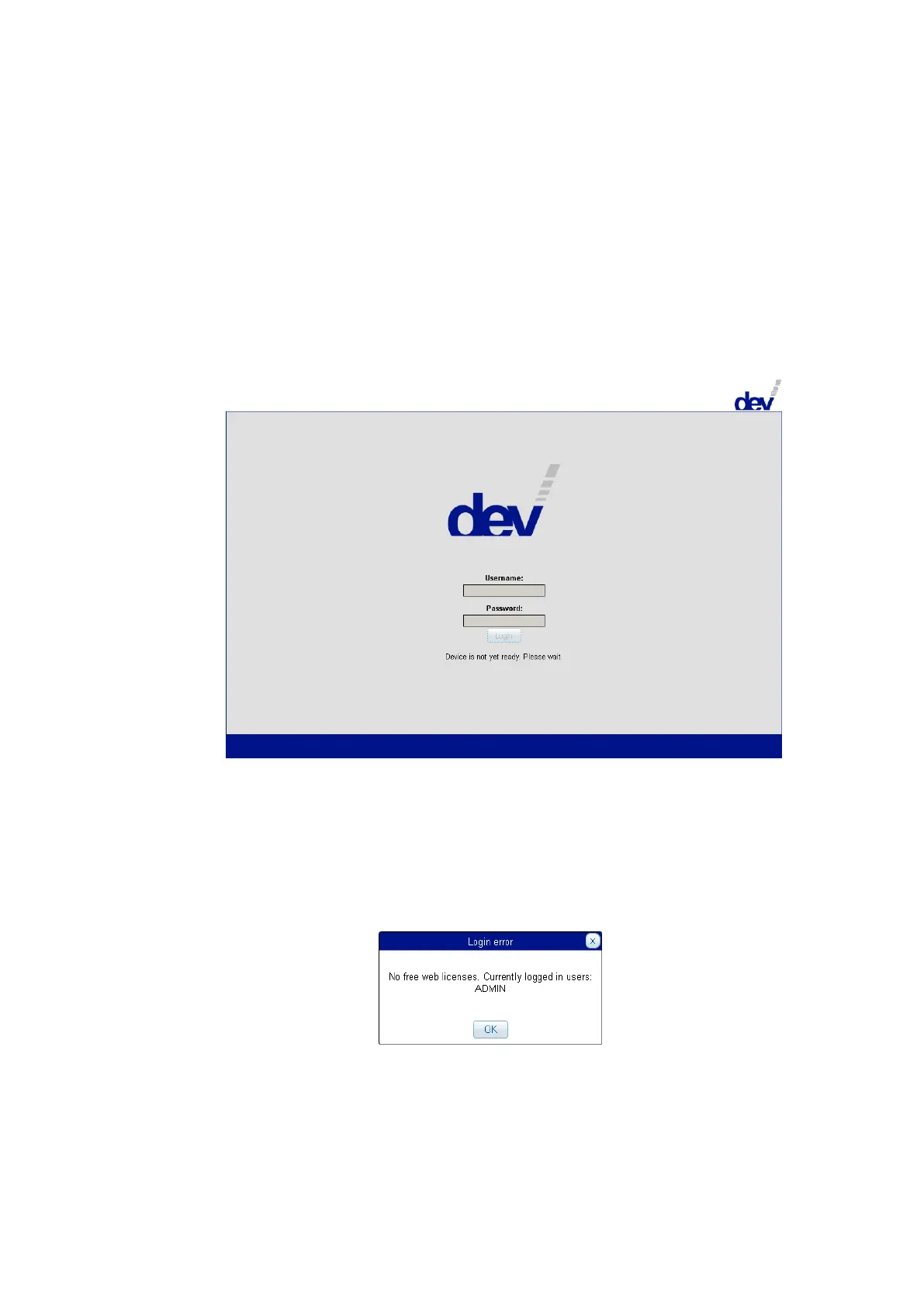
During power-up or after a reset the device displays a different screen:
If the device is operational (again), the screen usually automatically changes to
the Start Screen, thus enables the input fields to be edited; if not, please use
the refresh functionality of your web browser (e.g. the function key F5).
The Web Interface permits the definition of a number of users with different
permission (chapter 5.4.7.1.2) for accessing the Web Interface in parallel (in
accordance to the number of installed licenses). An additional user who tries to
log in receives a corresponding notification informing about the logged in
user(s), e.g.:
It is recommended to add user(s) AND to change the password of the factory
default account. How this is to be done is subject of chapters 5.4.7.1.2 &
5.4.7.1.1.
The language of the screenshots shown here is English, as a second language
currently German is available (chapter 5.4.7.1.1).



 To Next Page