User Manual DEV 2194
28 Copyright DEV Systemtechnik GmbH 2013-2017
5.4.7 Setup Tab
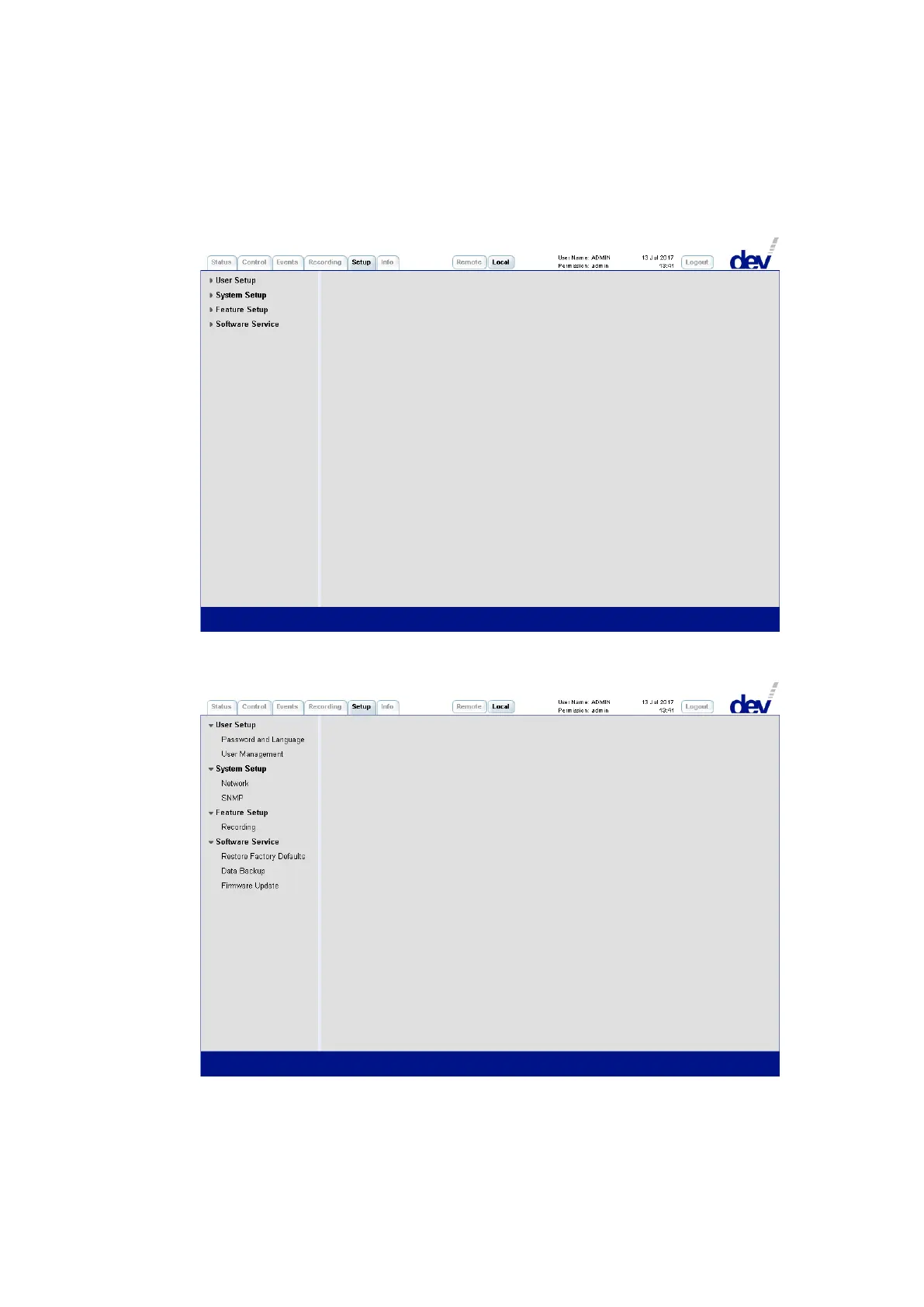
On the left side, the Setup Tab contains the menu items structuring the different
entries described in the following. Initially, the single entries are not displayed:
To demonstrate the available setup entries, all menu items above were folded out
in the following screenshot:



 To Next Page