User Manual DEV 2194
30 Copyright DEV Systemtechnik GmbH 2013-2017
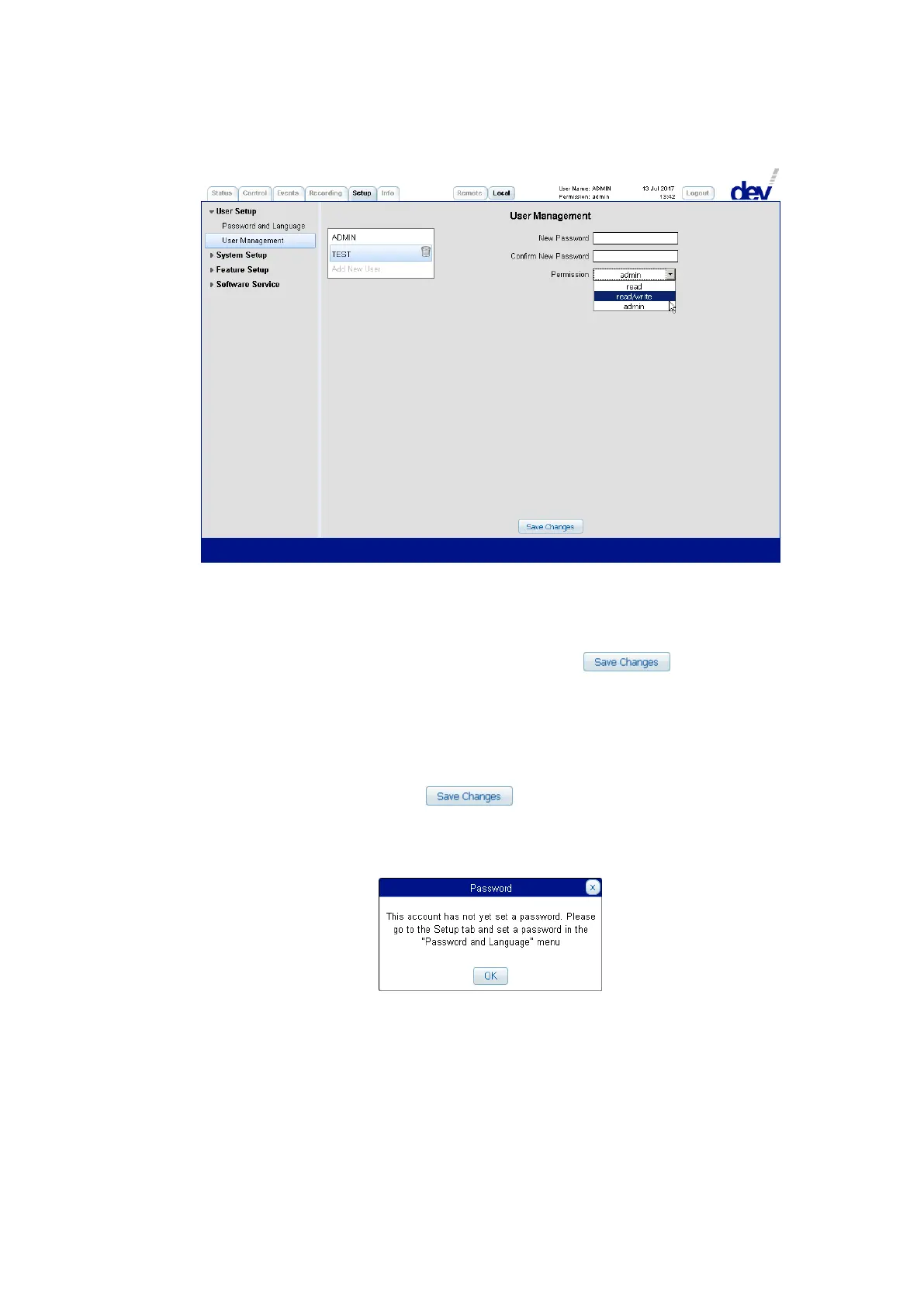
To add a new user click on the item "Add New User" and enter a name in the
appearing text field and click again. By default this new user has "read" permission
and no password is set for this user.
By activating an existing user, the permission category can be altered and a
password can be set for this user. A click on the button applies the
changes made. If the password has been changed, a confirmation window pops up.
To delete a user, click on the trash bin icon right to the user entry, a window pops
up for confirmation.
Note:
As already mentioned, user names and passwords are case sensitive.
Do not forget to click on the button to store the settings made
before selecting (or adding) another user.
After adding a new user without assigning a password, this user logs on without
any password. The following message pops up during the login process:
It is not possible to delete the ADMIN user but it is recommended to change
the default password.



 To Next Page