User Manual DEV 2194
Copyright DEV Systemtechnik GmbH 2013-2017 35
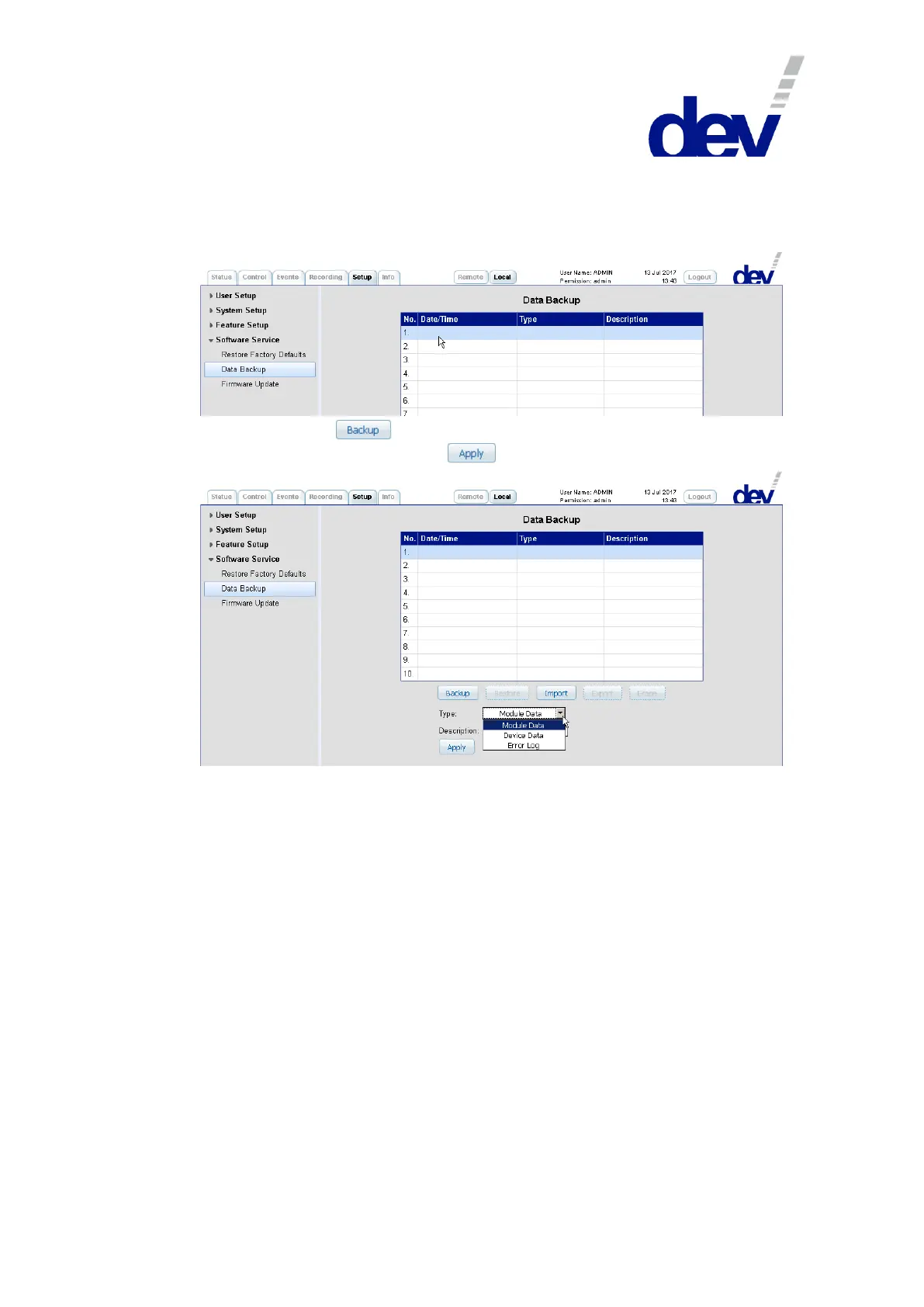
The first action is to activate one of the ten slots by clicking on it, which causes the
corresponding line to be highlighted. Additionally, depending on the content of the
selected slot, two to all of the five buttons become active, thus enabling the data
backup functionality:
After operating the button, the drop down list "Type", the text field
"Description", and a button labeled appear:
With the drop down list, the type of data to be saved can be chosen:
"Module Data"
to store the following data categories for the installed amplifiers:
● "LNB Power Settings",
● "Gain Settings",
● "Slope Settings",
● "RF Threshold Settings", and
● "Channel Settings and Names".
Please refer to chapter 5.4.4.1 for details on these settings and to the "Restore"
section of this chapter for retrieving all or only a part of these settings.
"Device Data"
to store device specific settings accessible via the Setup Tab:
● "IP Settings" (chapter 5.4.7.2.1),
● "User Setup" (chapter 5.4.7.1), and
● "General Setup (SNMP, Device Setup…)"
(chapters 5.4.7.2.2, 5.4.7.3, including the operation mode (chapter 5.1)).
Please refer to the chapters in parentheses for details on these settings and to
the "Restore" section of this chapter for retrieving all or only a part of these
settings.



 To Next Page