41 Pictures for illustrating purposes only
ELECTROVAP MC2 STEAM BATH
System management
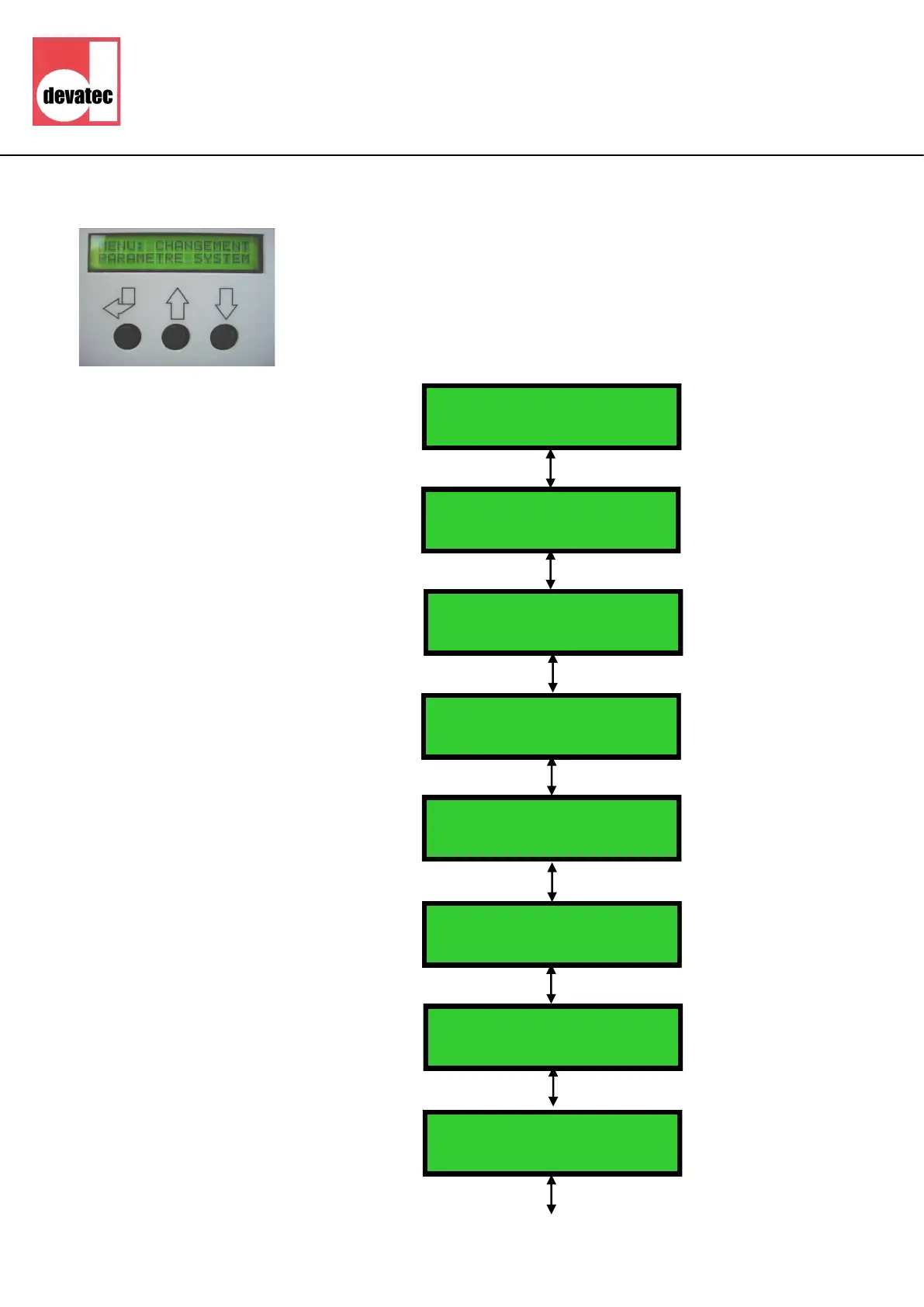
Configuration changing menu
ATTENTION
• A press on button 1 will allow you to shift to sub-menu for changing
configuration parameters.
• Then scroll display using the up (2) or down (3) keys.
• The selected parameter will flash and press return key (1) for recording.
1
2
3
Changing conguraon
menu
DIAL ACCESS CODE: XXX
CONTROL SIGNAL IN
TEMP (°C) SENSOR
STEAM CAPACITY %
With the humidifier switched on, press the ┘key
and the first digit will flash. Press the ↑ (2) key
to increase or ↓ (3) key to decrease the first
figure to enter of the access code. Press ┘ (1)
to confirm. The next digit will start to flash.
Repeat for a second and third digit of the
access code. ENTER ACCESS CODE:
234
This allows to limit the steam production
capacity from 100% to 20%
ADJUST SET POINT ---- °
C
ADJUST PROP BAND ----
%
This allows to adjust the set point of the
desired temperature between 25°C and 55°C.
This allows to tune the control signal (from 0
to 50 %)
PERFUME DURATION ----
SEC
This allows to adjust the perfume injection
time from 0 to 99 seconds.



 To Next Page