ineo 164 10-5
10.1 Paper
10
Loading paper into the Bypass Tray
0 The Bypass Tray is an option.
0 Make sure that the original and the loaded paper have the same orientation. Otherwise, some parts of
the image may be lost.
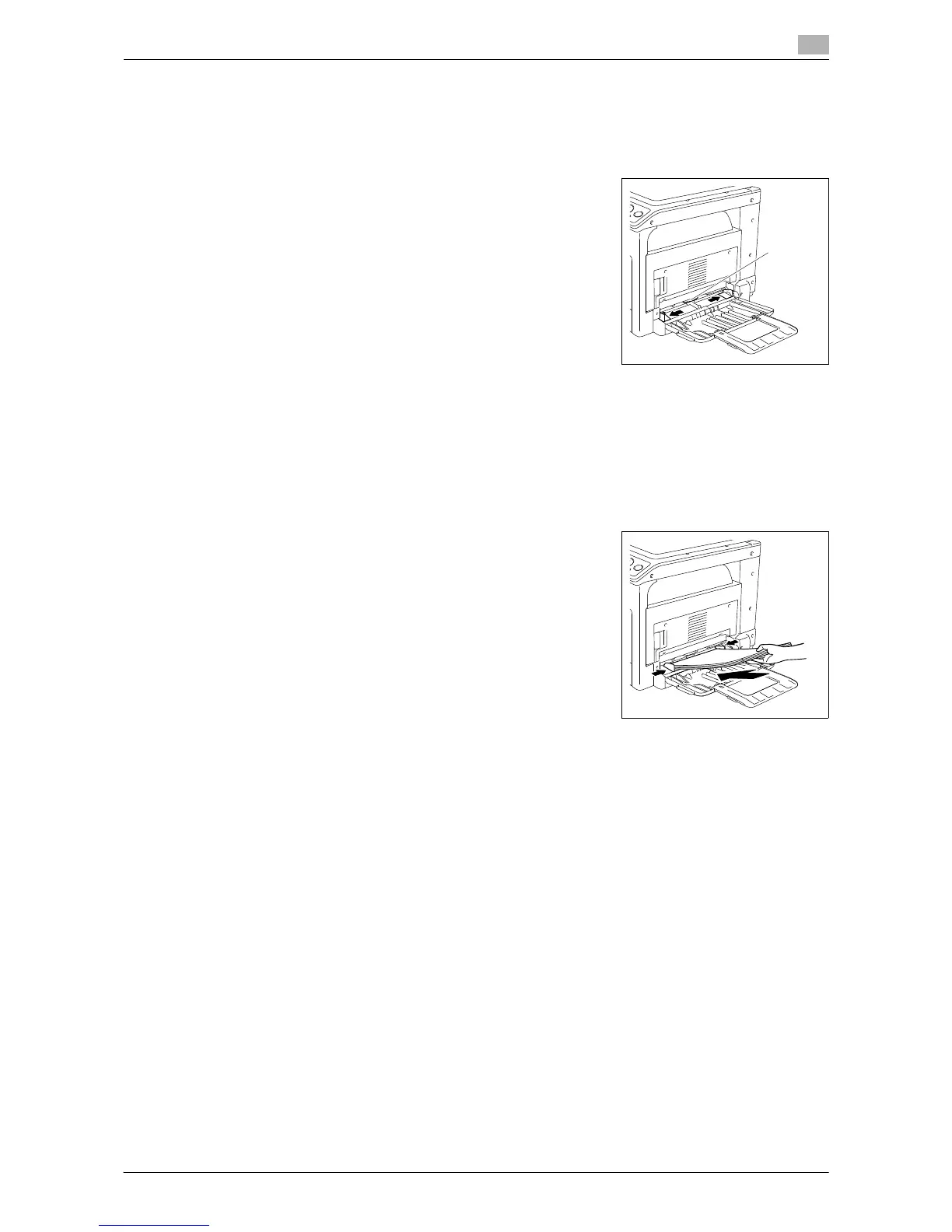
1 Slide the Lateral Guides to provide more space between them.
% 1. Paper Take-Up Roller
NOTICE
Be careful not to touch the Paper Take-Up Roller.
2 With the side to be printed on (the side facing up when the package was unwrapped) facing down, in-
sert the paper as far as possible into the feed slot.
% The image will be printed on the surface of the paper facing down.
% Do not load so many sheets of paper that the top of the stack is higher than the , mark.
% If paper is curled, flatten it before loading it.
% Allows you to load up to 100 sheets of plain paper, or 20 sheets of card in the paper tray.
3 Slide the Lateral Guides to fit the size of paper being loaded.
% Push the Lateral Guides firmly up against the edges of the pa-
per.
4 Press the Start key to restart printing.











 To Next Page