ineo 164 5-15
5.4 Using [MODE MEMORY]
5
5.4 Using [MODE MEMORY]
Register up to two of the more frequently used copy setting programs for immediate recall when necessary.
The following copy settings can be registered.
- Number of copies
- Paper tray
- Zoom ratio
- Functions available with [COPY FUNCTION] (ID Copy, Combine Original, Sort, Erase, Book Separation)
- Quality
- Density
Registering copy settings
Register up to two of the more frequently used copy setting programs for immediate recall when necessary.
1 Configure the copy settings to be registered.
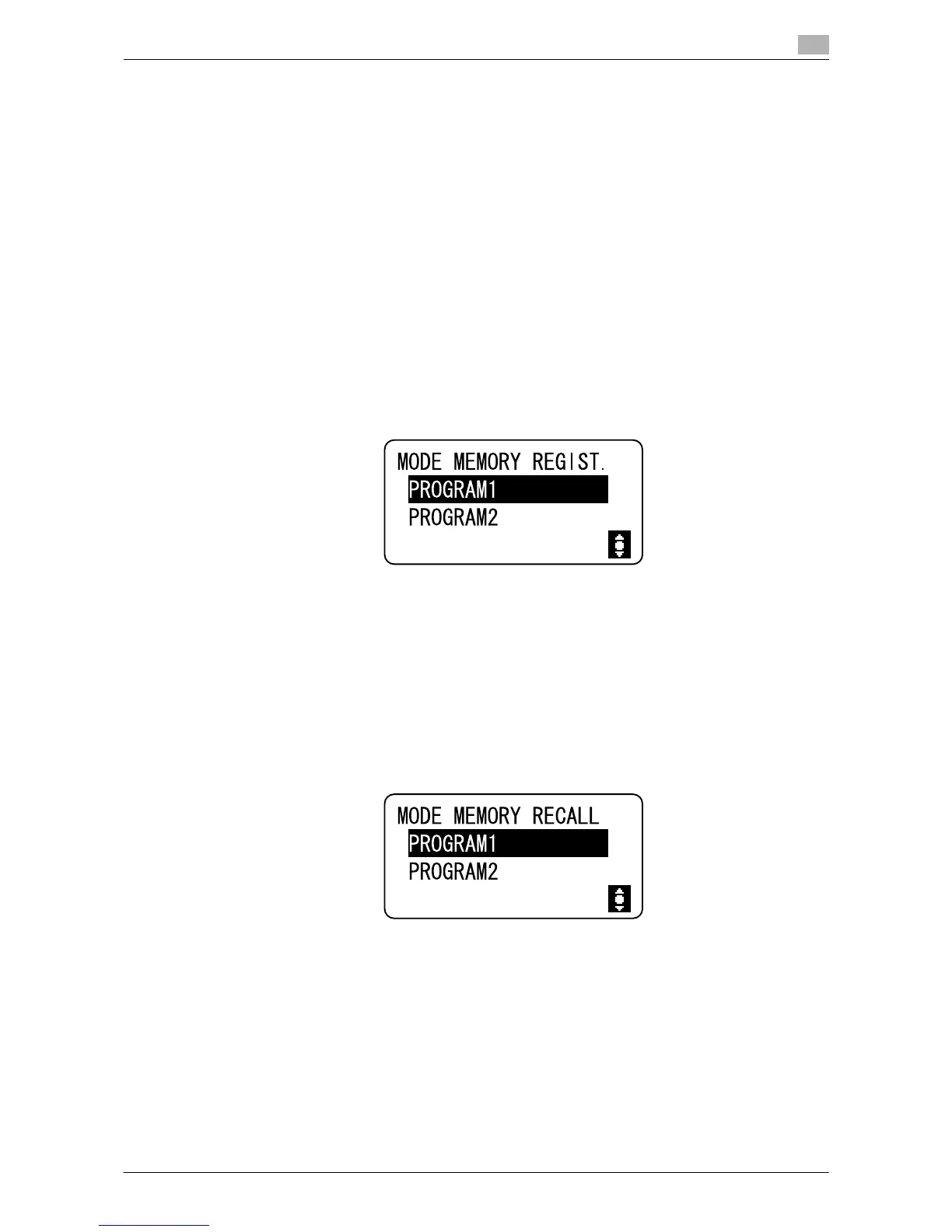
2 Press the Menu/Select key ö [COPY JOB SETTING] ö [MODE MEMORY] ö [REGISTER].
3 Select the program number you want to register the copy settings with.
The current copy settings are registered.
Recalling copy program
Recall the program registered.
1 Press the Menu/Select key ö [COPY JOB SETTING] ö [MODE MEMORY] ö [RECALL].
2 Select the program number to be recalled.
The Display shows the copy settings stored in the program number.











 To Next Page