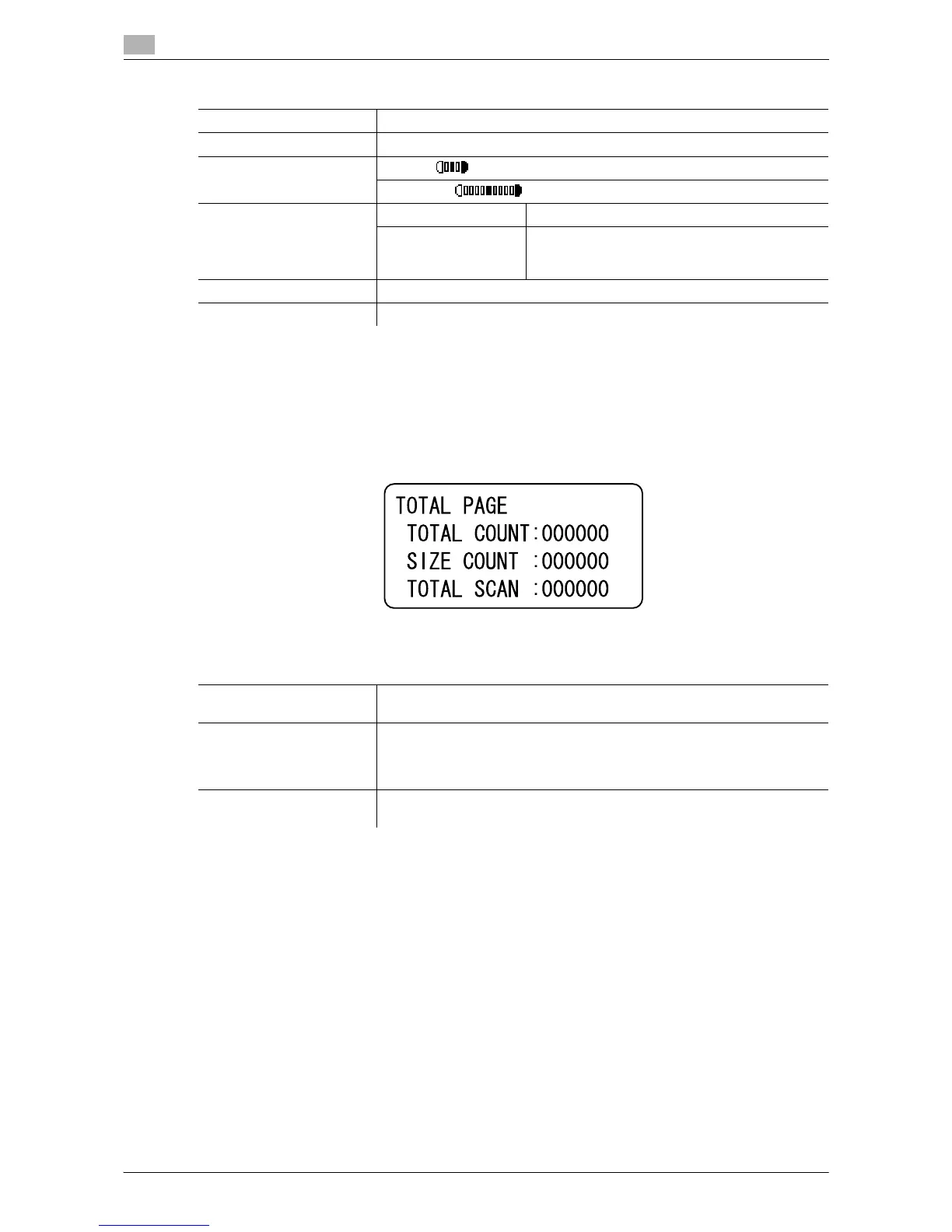
[TOTAL PAGE]
9
9-10 ineo 164
9.4
9.4 [TOTAL PAGE]
You can check the total number of prints since this machine was installed.
% Press the Menu/Select key ö [TOTAL PAGE].
Factory default
[QUALITY PRIORITY] [TEXT/PHOTO]
[DENSITY PRIORITY] [AUTO]
[DENSITY LEVEL] [AUTO]:
[MANUAL]:
[ERASE SETTING] Erase setting: [LEFT]
Erasing width: [LEFT]: 10 mm
[UPPER]: 10 mm
[FRAME]: 10 mm
[SORT PRIORITY] [OFF]
[4IN1 COPY ORDER] [PATTERN1]
Settings
[TOTAL COUNT] Displays the total number of pages printed since this machine was in-
stalled.
[SIZE COUNT] Displays the total number of copies/printouts printed on the specified pa-
per size.
The paper size that is counted should be configured by your service repre-
sentative.
[TOTAL SCAN] Displays the total number of scans made since this machine was installed.
(Scans made for copying are not included.)











 To Next Page