Printer driver settings
7
7-4 ineo 164
7.2
7.2 Printer driver settings
Descriptions on the printer driver settings available when printing from a computer are provided below.
Reference
- The printer driver setting screen can be called up to the screen even from the [Printers] window, [Print-
ers and Faxes] window or [Devices and Printers] window.
In Windows XP/Server 2003, click [Start], and then [Printers and Faxes].
In Windows Vista/Server 2008, click [Start], open [Control Panel], then click [Printers] in [Hardware and
Sound].
In Windows 2000, click [Start], then select [Settings] - [Printers].
In Windows 7, click [Start], and then [Devices and Printers].
7.2.1 Common setting
This section describes the settings and buttons common to tabs.
Item name Functions
[OK] Click this button to enable changed settings and close the properties win-
dow.
[Cancel] Click this button to disable (cancel) changed settings and close the prop-
erties window.
[Apply] Click this button to apply the specified settings without closing the proper-
ties window.
[Help] Click this button to display Help of the items in the displayed window.
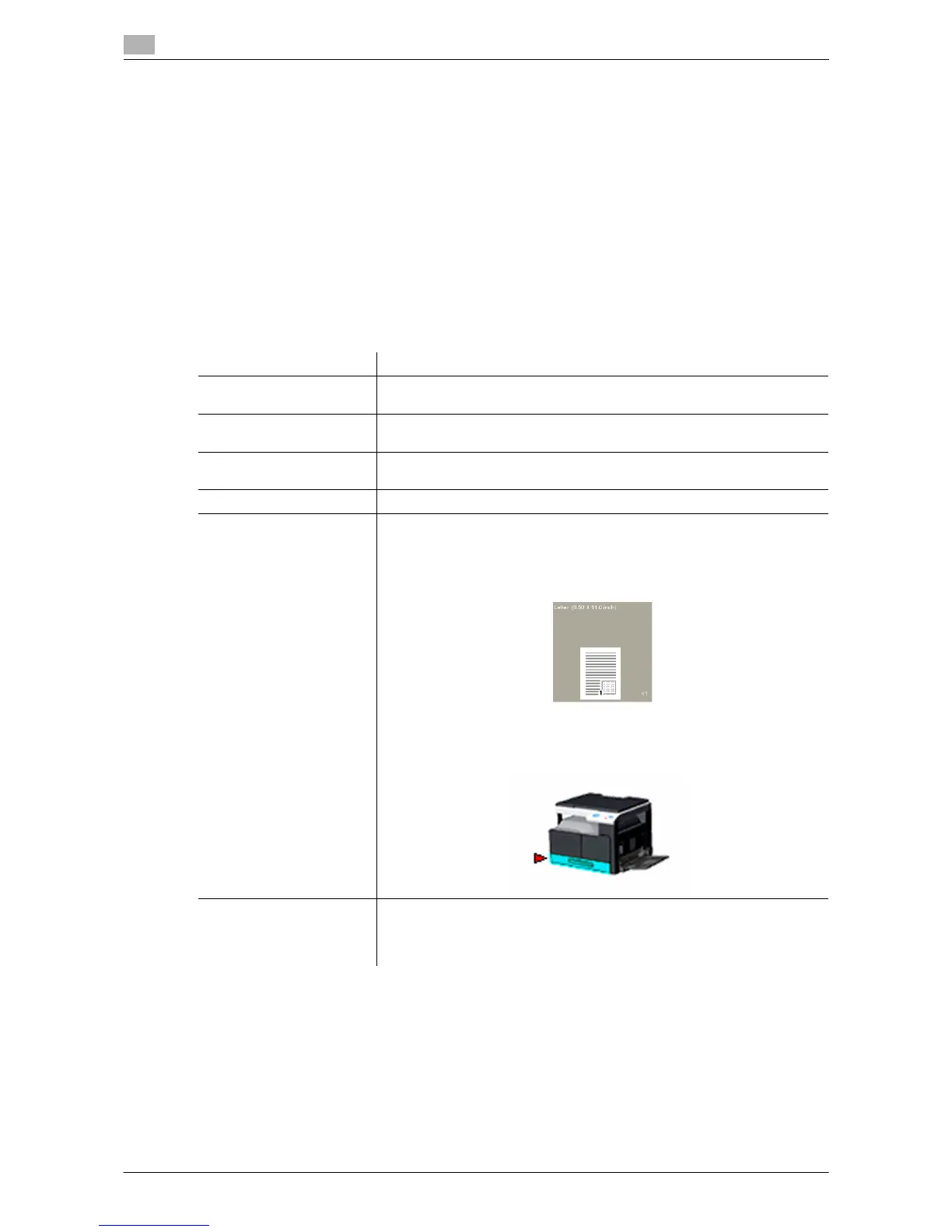
View Shows a preview of the specified paper settings or shows the printer sta-
tus.
• Selecting [Paper View] displays the sample page layout based on cur-
rent settings for checking the output result image.
• Selecting [Printer View] displays the printer figure. The paper trays se-
lected in [Paper source] on the [Setup] tab appear in light blue.
[Easy Set] Click this button to save current settings so that they can be recalled later.
If [Factory Default] is selected, all settings return to their defaults.
Up to 32 programs can be registered (including [Factory Default]).
Up to 20 characters can be entered for the registered name.











 To Next Page