ineo 164 9-7
9.3 [UTILITY]
9
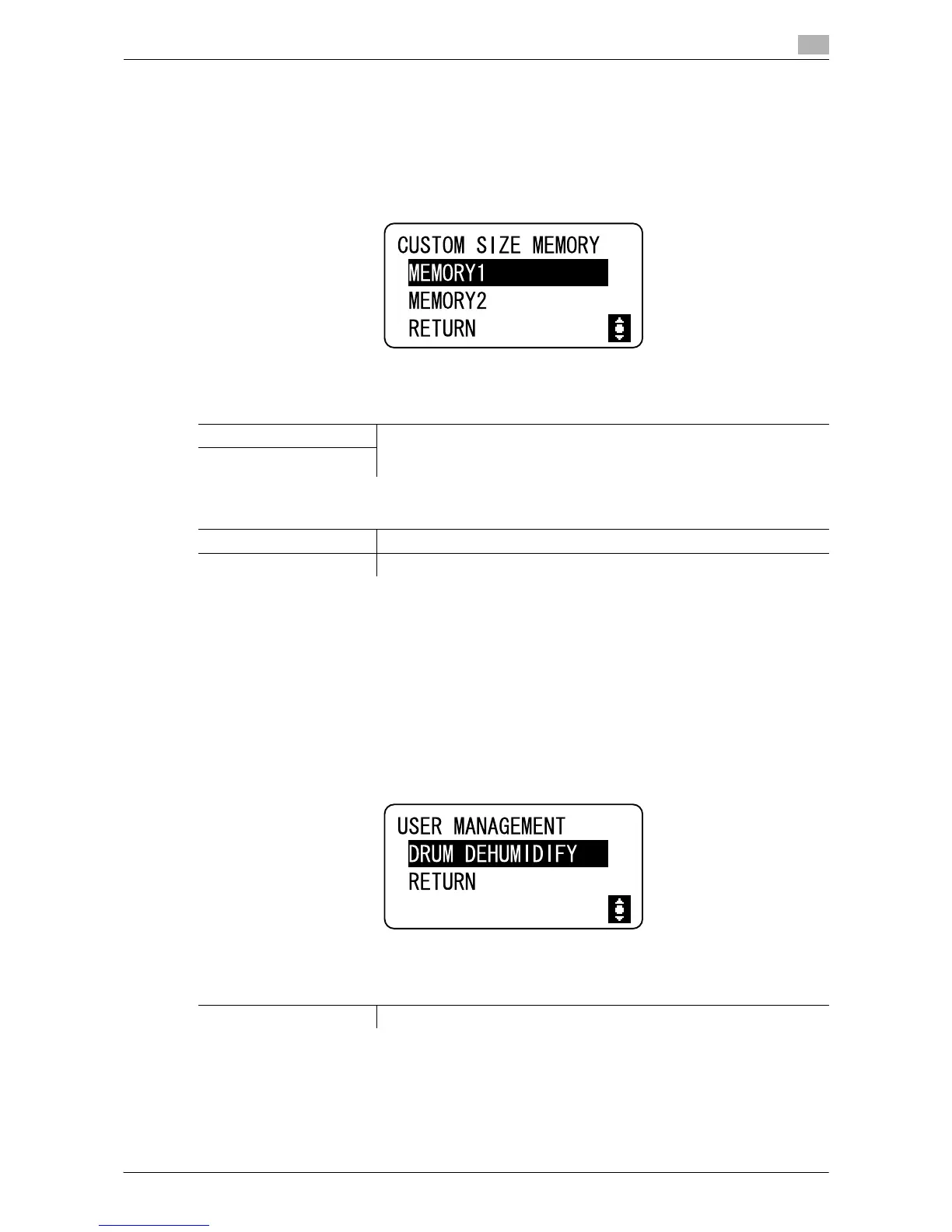
9.3.2 [CUSTOM SIZE MEMORY]
Frequently used custom sizes can be registered and recalled when needed.
Up to two custom sizes can be registered.
% Press the Menu/Select key ö [UTILITY] ö [CUSTOM SIZE MEMORY].
9.3.3 [USER MANAGEMENT]
When the room temperature changes drastically (such as when a heater is used in the winter) or when the
machine is used in an extremely humid location, condensation may form on the surface of the Drum inside
the machine, resulting in decreased print quality.
Use this function to dry the Drum and eliminate the condensation.
0 The machine completes the Drum Dehumidify within about one minute.
% Press the Menu/Select key ö [UTILITY] ö [USER MANAGEMENT].
Settings
[MEMORY1] Register custom paper sizes.
The paper length [X] can be set between 140 mm and 432 mm.
The paper width [Y] can be set between 90 mm and 297 mm.
[MEMORY2]
Factory default
[MEMORY1] [X]: 140 mm, [Y]: 90 mm
[MEMORY2] [X]: 140 mm, [Y]: 90 mm
Settings
[DRUM DEHUMIDIFY] Start the Drum Dehumidify.











 To Next Page