ineo 164 7-9
7.2 Printer driver settings
7
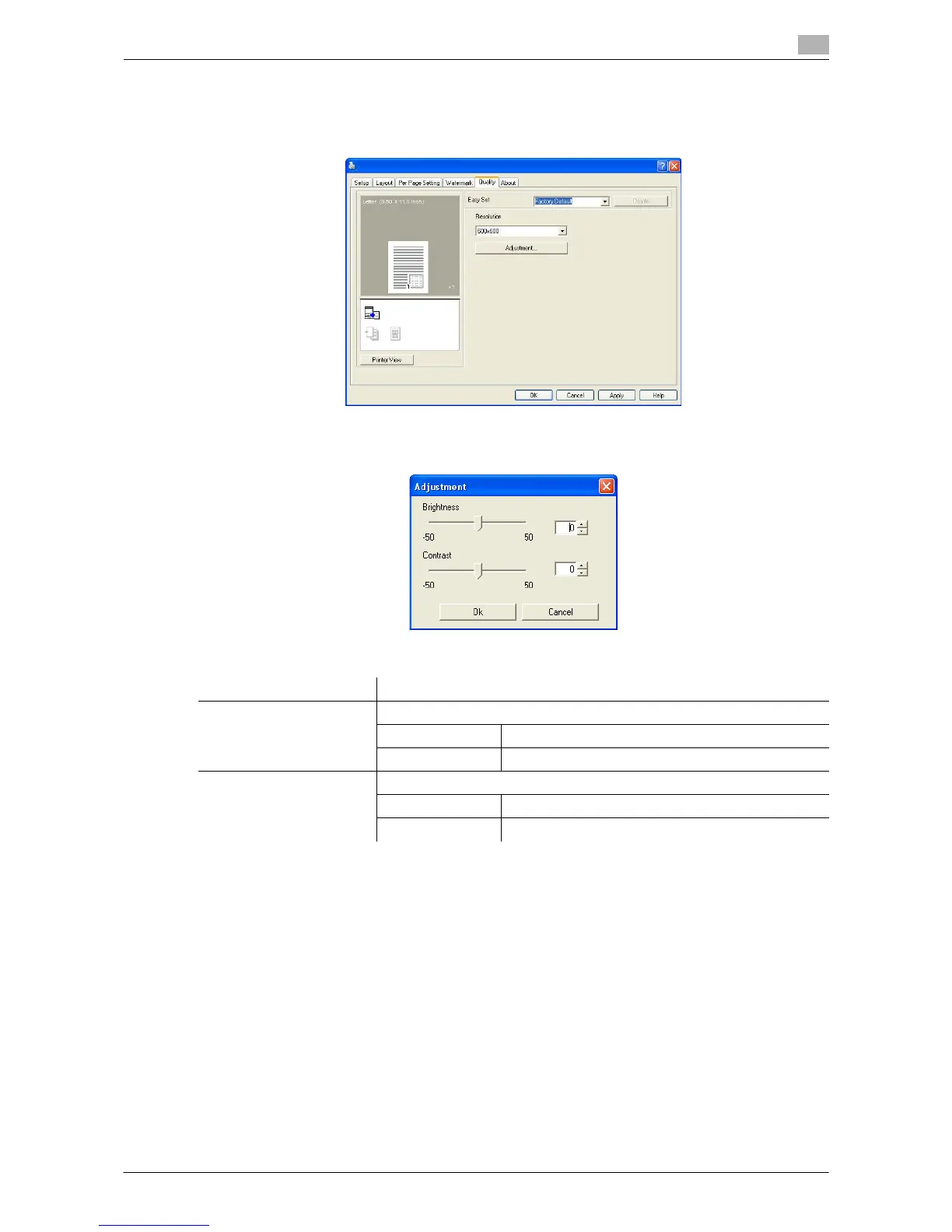
7.2.6 [Quality] tab
Specify the print quality.
7.2.7 [About] tab
Displays the printer driver version information.
Function name Description
[Resolution] Select the print resolution.
[600 e 600] Originals are printed at 600 e 600 dpi.
[300 e 600] Originals are printed at 300 e 600 dpi.
[Adjustment] Click this button to adjust the image quality.
[Brightness] Adjust the brightness of the printed image.
[Contrast] Adjust the density balance of the printed image.











 To Next Page