ineo 164 8-3
8.1 TWAIN scanner driver
8
8 Scan function
8.1 TWAIN scanner driver
This section describes the functions of the TWAIN scanner driver.
8.1.1 Scanning a document
The scanning operation can be performed from TWAIN- compatible applications. The operating procedure
varies according to the application used.
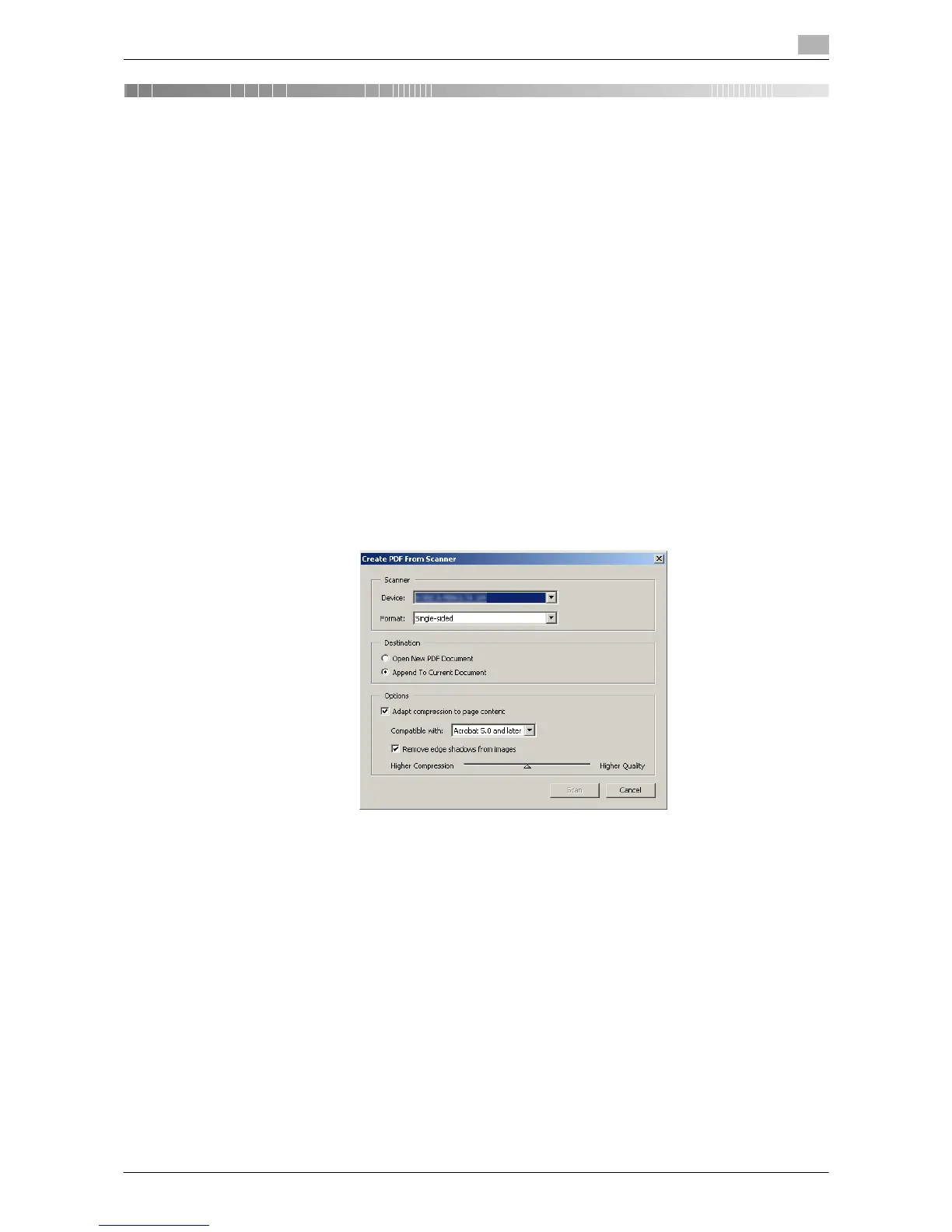
As an example, the procedure using Adobe Acrobat 7.0 Professional is described below.
1 Place the document face down on the Original Glass.
% For details on placing originals, refer to page 3-6.
2 Start the application on the computer.
3 Click [File].
4 Point to [Create PDF], then click [From Scanner].
5 Select the device from the dialog box, specify the desired settings, and click [Scan].
6 Specify the necessary settings.
% For details, refer to page 8-4.
7 Click [Scan].
Scanning begins.
% To stop scanning, click [Cancel] or press [Esc].











 To Next Page