Printer driver settings
7
7-6 ineo 164
7.2
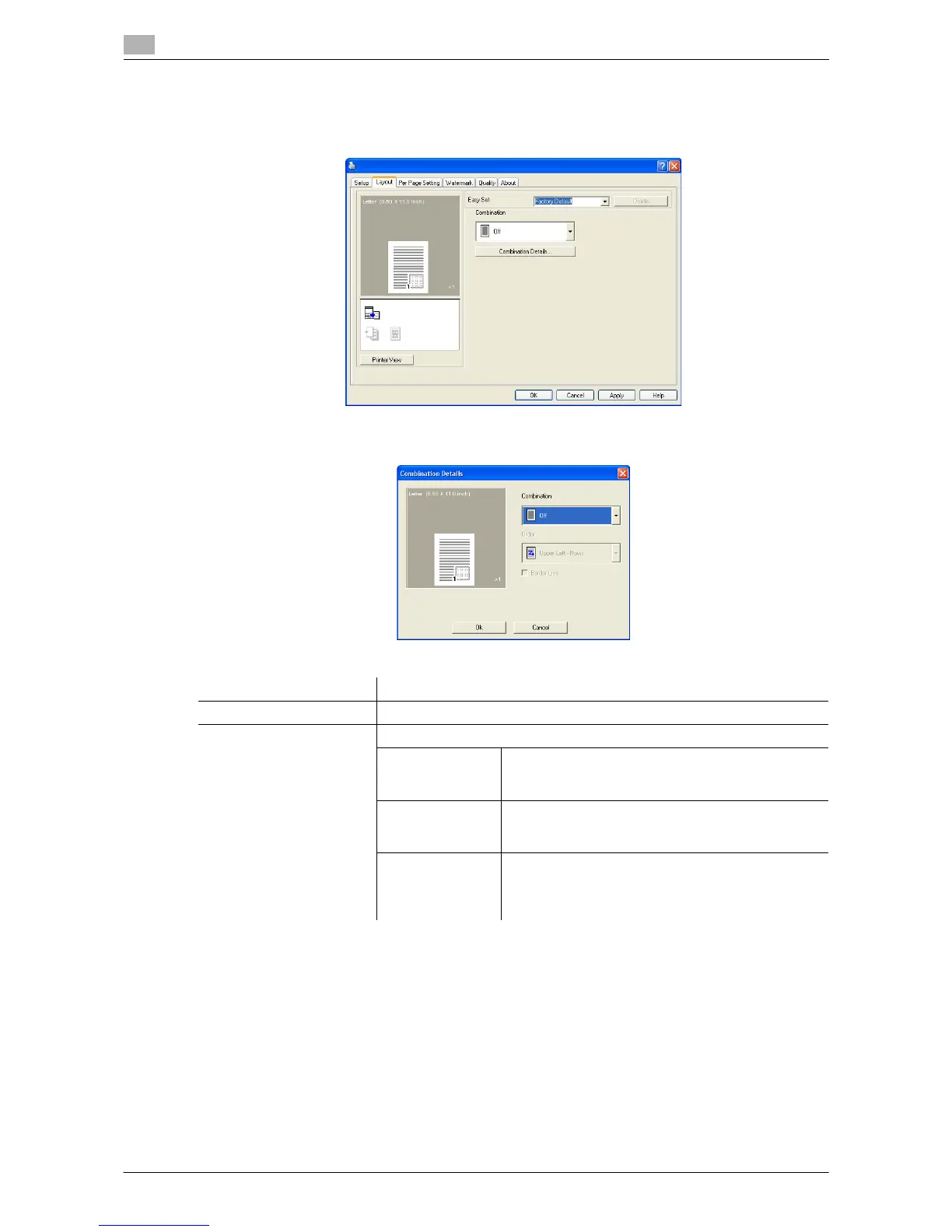
7.2.3 [Layout] tab
Select the number of document pages to be printed on a single sheet of paper.
Function name Description
[Combination] Multi-page originals can be printed on a single sheet of paper.
[Combination Details...] Specify the page order and use of the border lines.
[Combination] Select the combination condition.
This is the same setting selected in the [Combination]
list on the [Layout] tab.
[Order] Select the direction and order of pages to be printed.
It can be specified when Nin1 is specified for [Com-
bination].
[Border Line] Select this check box to print an outline around each
page.
It can be specified when Nin1 is specified for [Com-
bination].











 To Next Page