ineo 164 9-3
9.1 [COPY FUNCTION]
9
9[MENU]
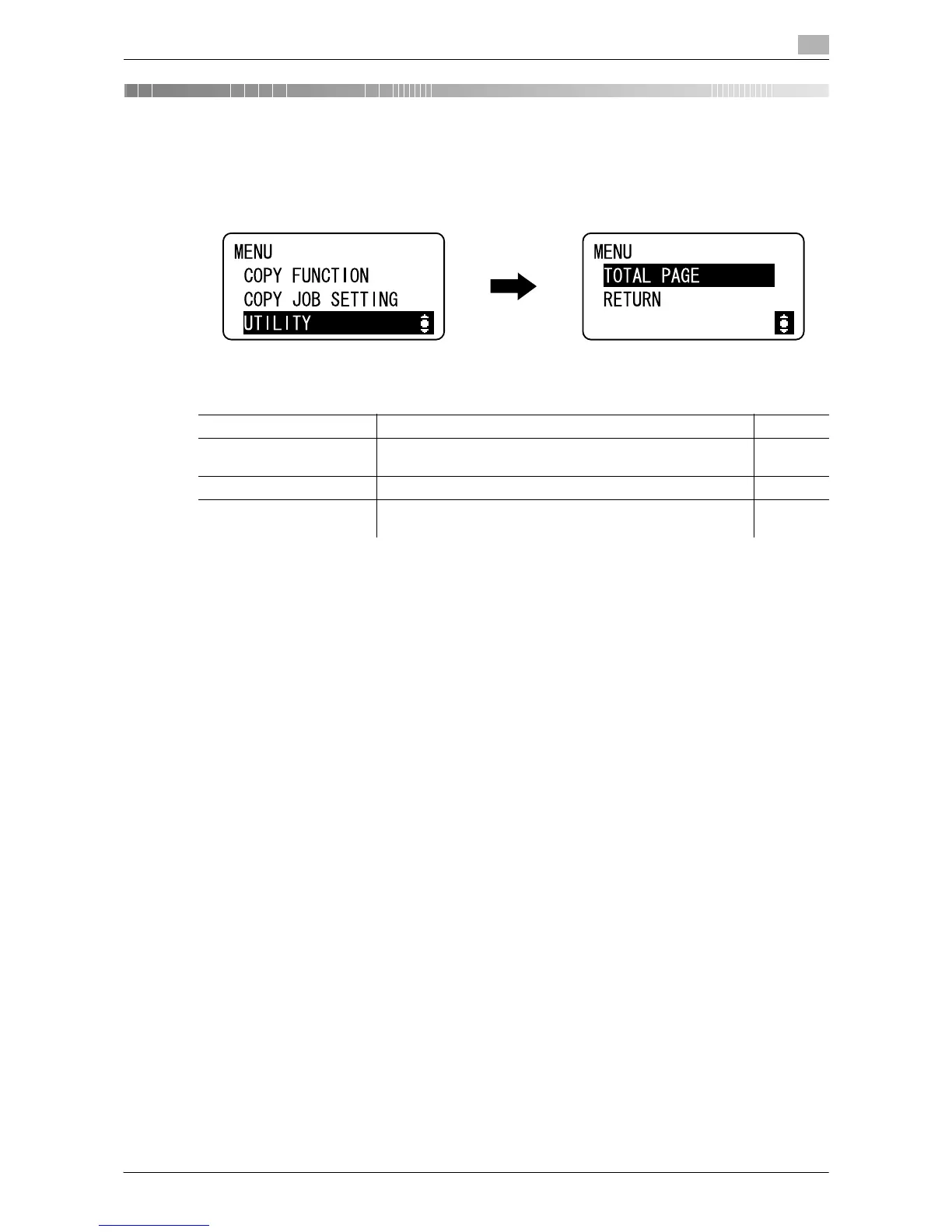
You can configure the settings for multiple copy features from the Control Panel. The following describe
[MENU] that appears in the Display and the functions that can be set.
9.1 [COPY FUNCTION]
Configure the application settings for making copies. For details, refer to page 5-7.
Settings
[COPY FUNCTION] Configure the application settings for making copies. p. 9-3
[COPY JOB SETTING] Configure the paper for the tray and quality and density for
making copies.
p. 9-4
[UTILITY] Configure functions and settings of the machine. p. 9-5
[TOTAL PAGE] You can check the total number of prints since this machine
was installed.
p. 9-10











 To Next Page