Toner
10
10-6 ineo 164
10.2
10.2 Toner
10.2.1 Checking Toner
Replacement message
When it is time to replace the Toner Bottle, an advanced warning message appears at the bottom of the Dis-
play.
When the message appears, prepare to replace the Toner Bottle according to the guidance contained in your
maintenance agreement.
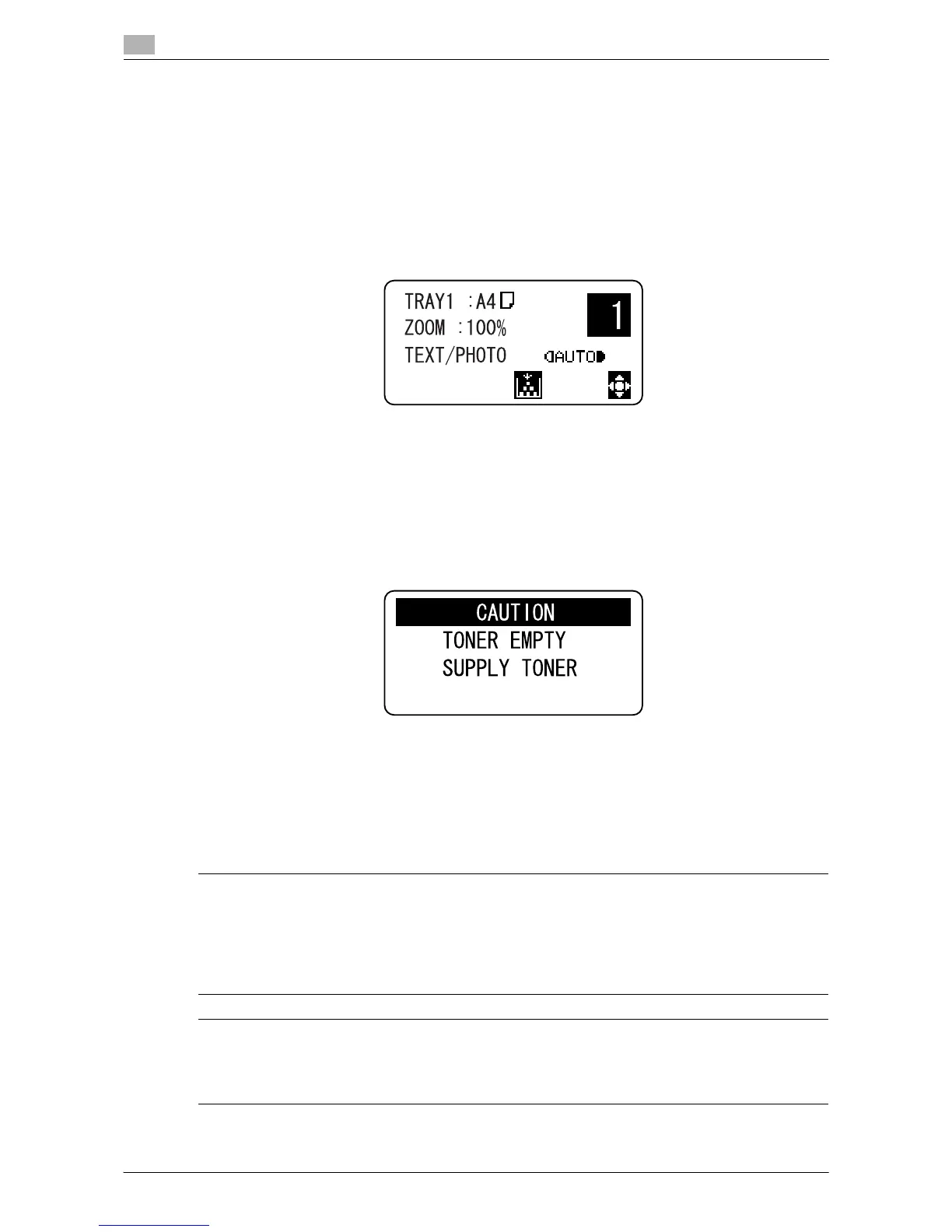
When it is time to replace the Toner Bottle, a message shown below appears then the machine stops oper-
ating.
Replace the Toner Bottle according to the guidance contained in your maintenance agreement.
Replacing the Toner Bottle
0 Use only the Toner Bottle developed specifically for this machine. Use of any other toner bottle may
cause damage to the machine. For details, contact your service representative.
7 CAUTION
Precautions for toner spills
- Be careful not to spill toner inside the machine or get toner on your clothes or hands.
- If your hands become soiled with toner, immediately wash them with soap and water.
- If toner gets in your eyes, immediately flush them with water, and then seek professional medical atten-
tion.
7 CAUTION
Handling toner and toner bottles
- Do not burn toner or the toner bottle.
- Toner expelled from the fire may cause burns.











 To Next Page