ineo 164 7-7
7.2 Printer driver settings
7
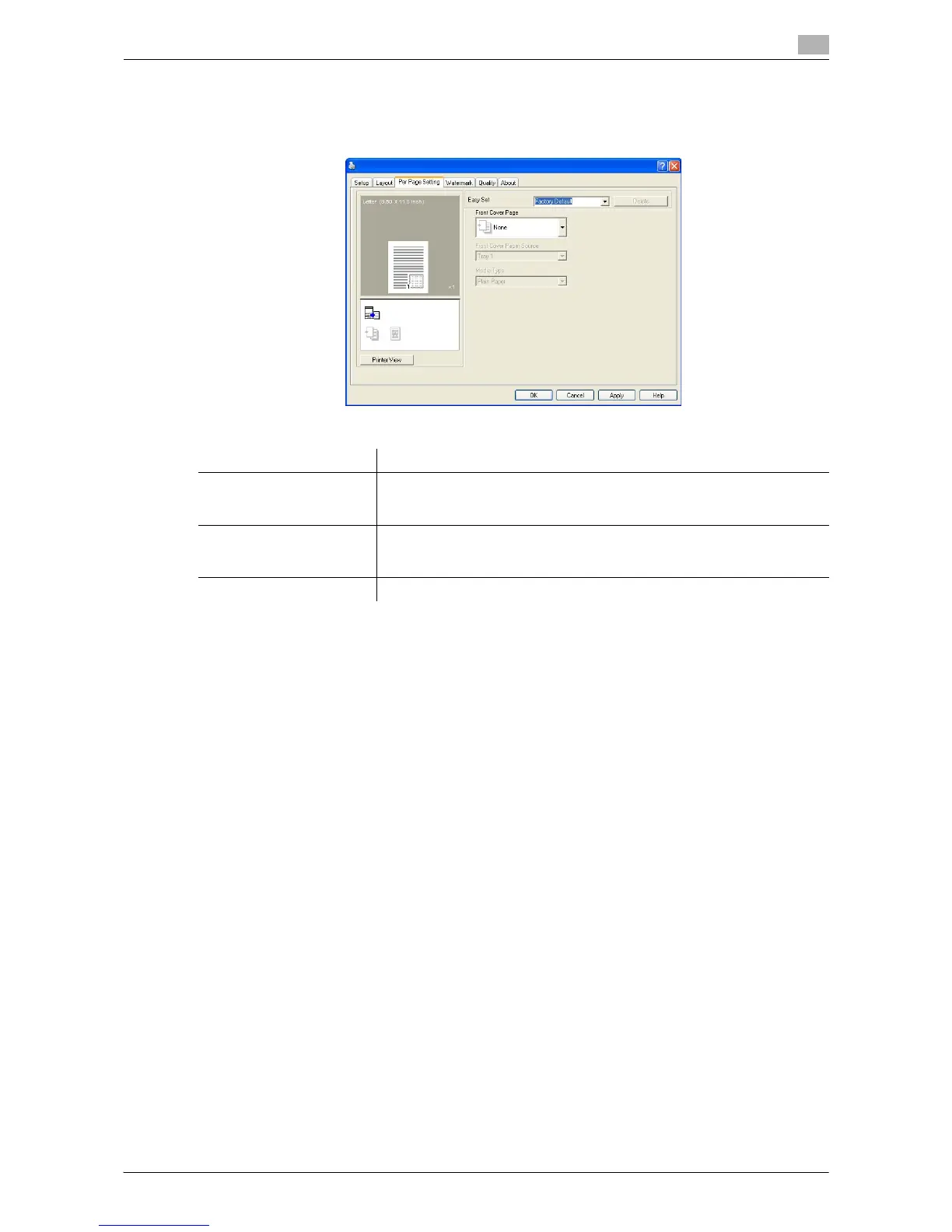
7.2.4 [Per Page Setting] tab
Specify whether or not a front cover page is added.
Function name Description
[Front Cover Page] Select to attach a front cover page.
You can select whether to print the front cover as a blank page or as a page
containing an image on the first page.
[Front Cover Paper Source] Select the paper tray for the front cover sheet.
This function can be selected when the optional Bypass Tray is installed
on the machine.
[Media Type] Select the type of paper used for the front cover.











 To Next Page