Application settings ([COPY FUNCTION])
5
5-14 ineo 164
5.3
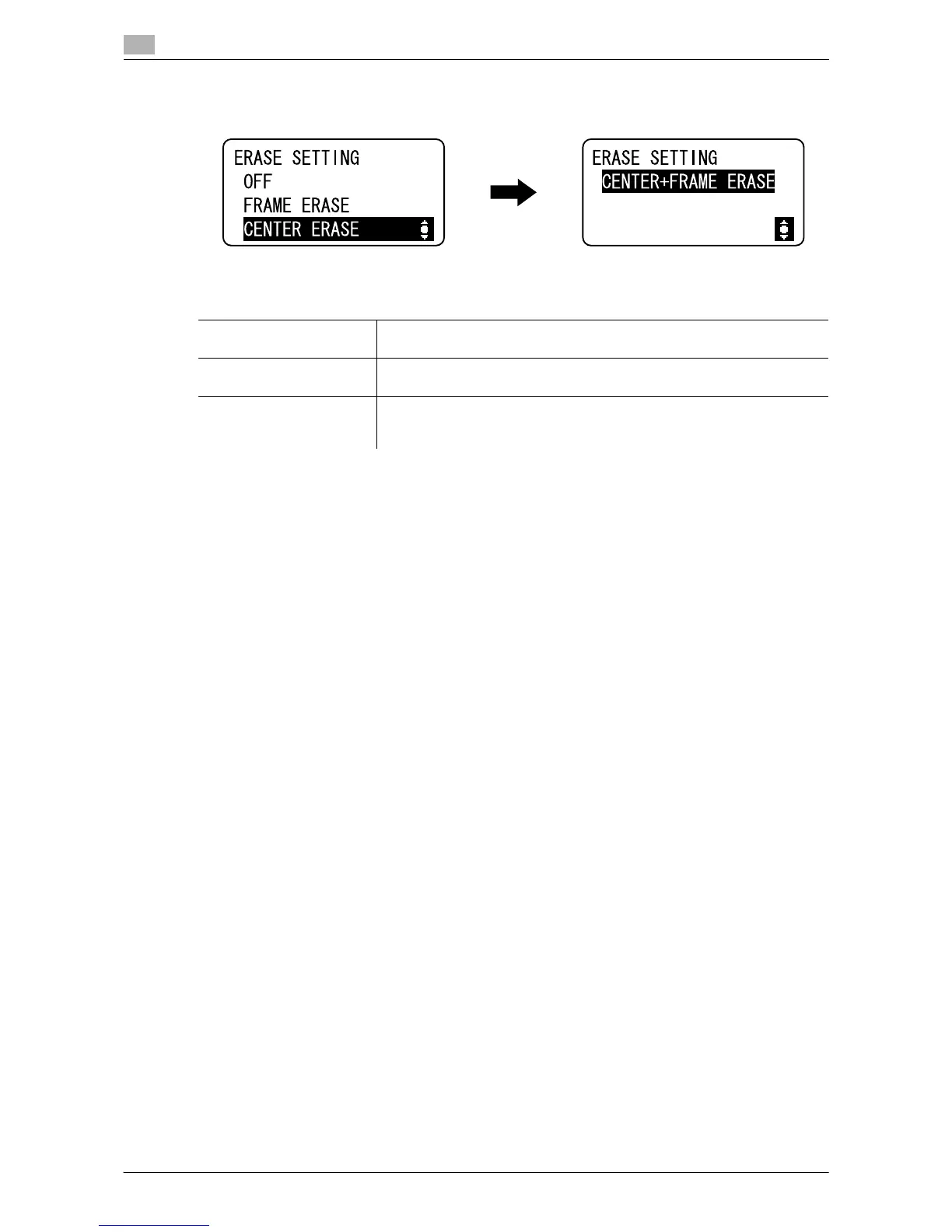
% Press the Menu/Select key ö [COPY FUNCTION] ö [ERASE].
d Reference
To specify the erase width:
Press the Menu/Select key ö [UTILITY] ö [COPY SETTING] ö [ERASE SETTING].
To specify the Book Separation:
Press the Menu/Select key ö [COPY FUNCTION] ö [BOOK SEPARATION].
Settings
[FRAME ERASE] Select this option to make Book Separation copies by erasing the entire ar-
eas around the text of the double-page spread original.
[CENTER ERASE] Select this option to make Book Separation copies by erasing the center
binding of the double-page spread original.
[CENTER+FRAME ERASE] Select this option to make Book Separation copies by erasing the entire ar-
eas around the text and the center binding of the double-page spread orig-
inal.











 To Next Page