Basic settings
5
5-6 ineo 164
5.2
d Reference
To configure custom sizes:
Press the Menu/Select key ö [UTILITY] ö [CUSTOM SIZE MEMORY].
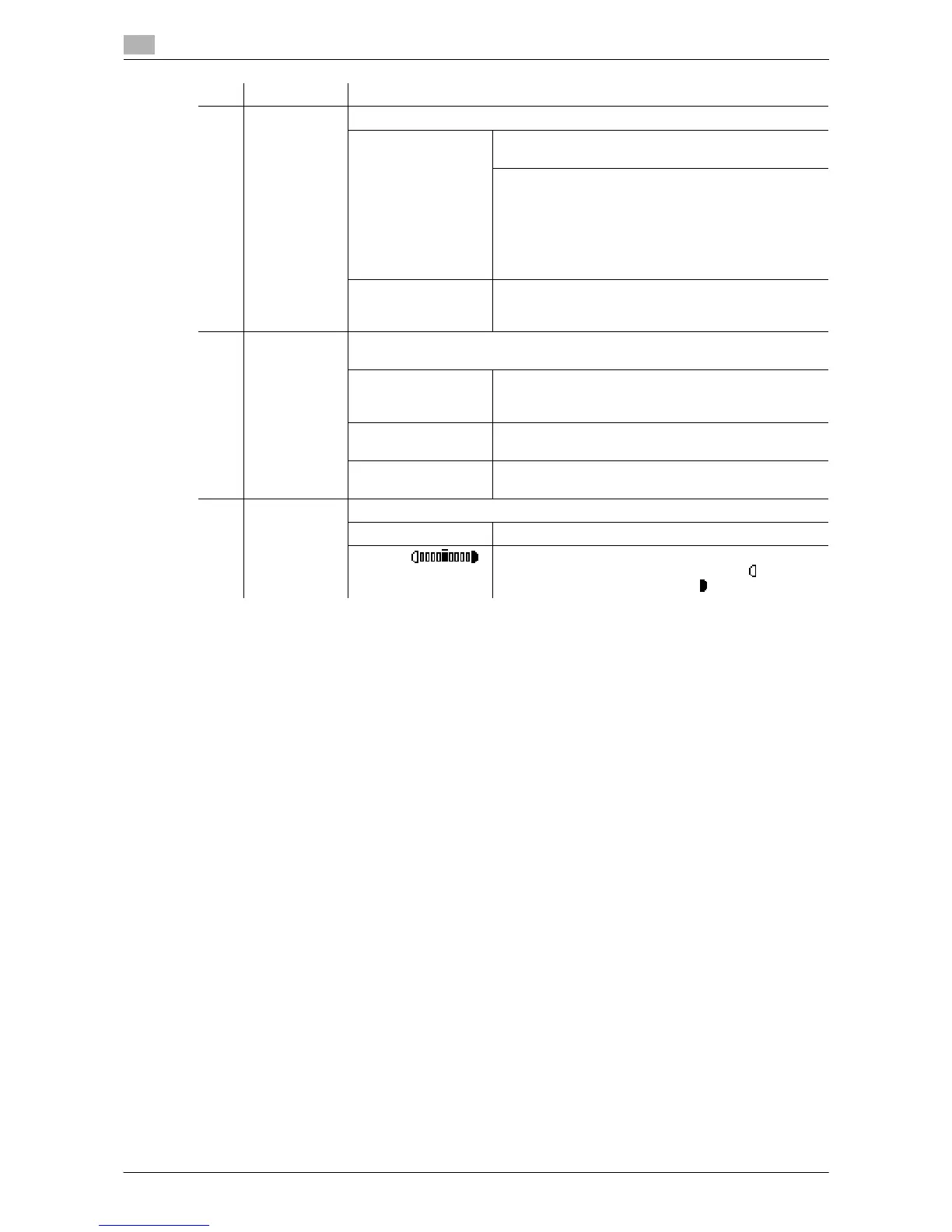
4 Zoom ratio Set the zoom ratio of the image to be copied.
Fixed zoom Select a preset zoom ratio when copying from a fixed
size original onto a fixed size paper.
<Centimeter area>:
50%, 70% (A4%A5, A3%A4), 81% (B4%A4), 100%,
115% (B4%A3), 141% (A5%A4, A4%A3), 200%
<Inch area>:
50%, 64% (11 e 17%LTR), 78% (LGR%LTR), 100%,
121% (LGL%11 e 17), 129% (LTR%11 e 17), 200%
Manual zoom The zoom ratio can be set between 50% and 200%.
It can be adjusted in manual zoom after fixed zoom is
selected.
5 Quality Select the setting for the image type of the original to better adjust the copy
quality/density.
[TEXT/PHOTO] Select this option when the original consists of text
and photos. The edge of the text is reproduced sharp-
ly, while photos are reproduced as a smooth image.
[TEXT] Select this option when the original consists of text on-
ly. The edge of the text is reproduced sharply.
[PHOTO] Select this option when the original consists of photos
only. Photos are reproduced as a smooth image.
6 Density Adjust copy density.
[AUTO] The density level is automatically adjusted.
Manual: The density level is manually adjusted. The reproduced
image is lighter when the density is set to side and
darker when the density is set to side.
No. Name Description











 To Next Page