DEVO-7 Page 156 of 170
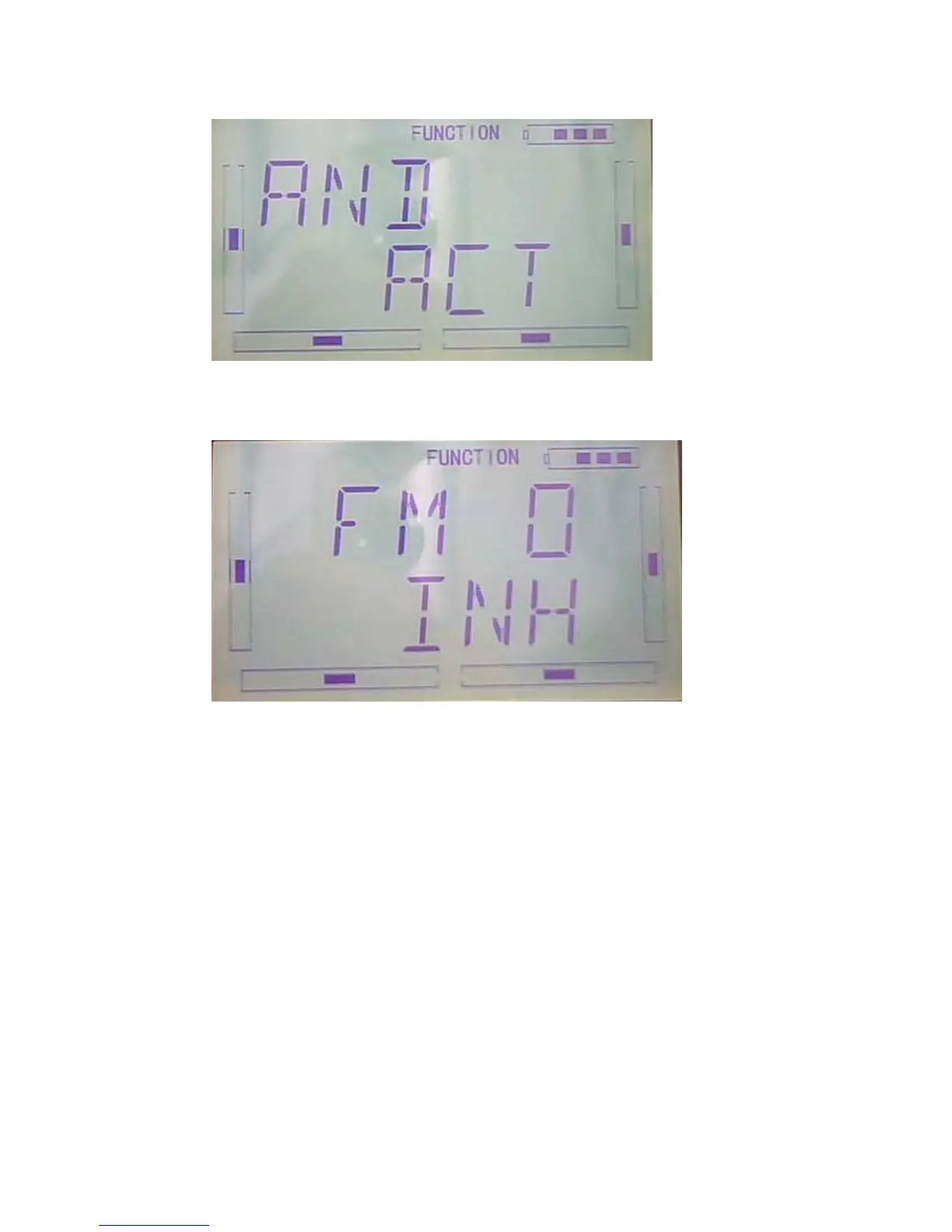
Press ENT to “and”interface you have two choice: inhibit and Active. Press R or L to
select Inhibit or Active. Press Active when you select above two switch(include 2
switch) control.
Then press DN to choose from: FM 0、FM 1、FM 2、FPNRM、FPMID、FPLND、
D/R、HOLD、GEAR。
Press UP or DN select the switch. Press R or L select Inhibit or Active. Press EXT to
confirm and exit.
B press “ENT” key to get the flashing main memu. Press UP and DN keys until
“FUNCTION” becomes flashing, then press “ENT” key to Function menu. Press UP or
DN key until “PRGMX” becomes flashing; Press ENT key, you will find the Program
mix setting . (the factory default setting is Inhibit). Press R or L key to select the
Inhibit ,Normal,Curve.
Take Program Mix 1 as an example select the Curve to show how to use.



 To Next Page