DEVO-7 Page 159 of 170
of them: L、1、2、M、3、4、H 7.
Press DN to confim enter to Status setting.
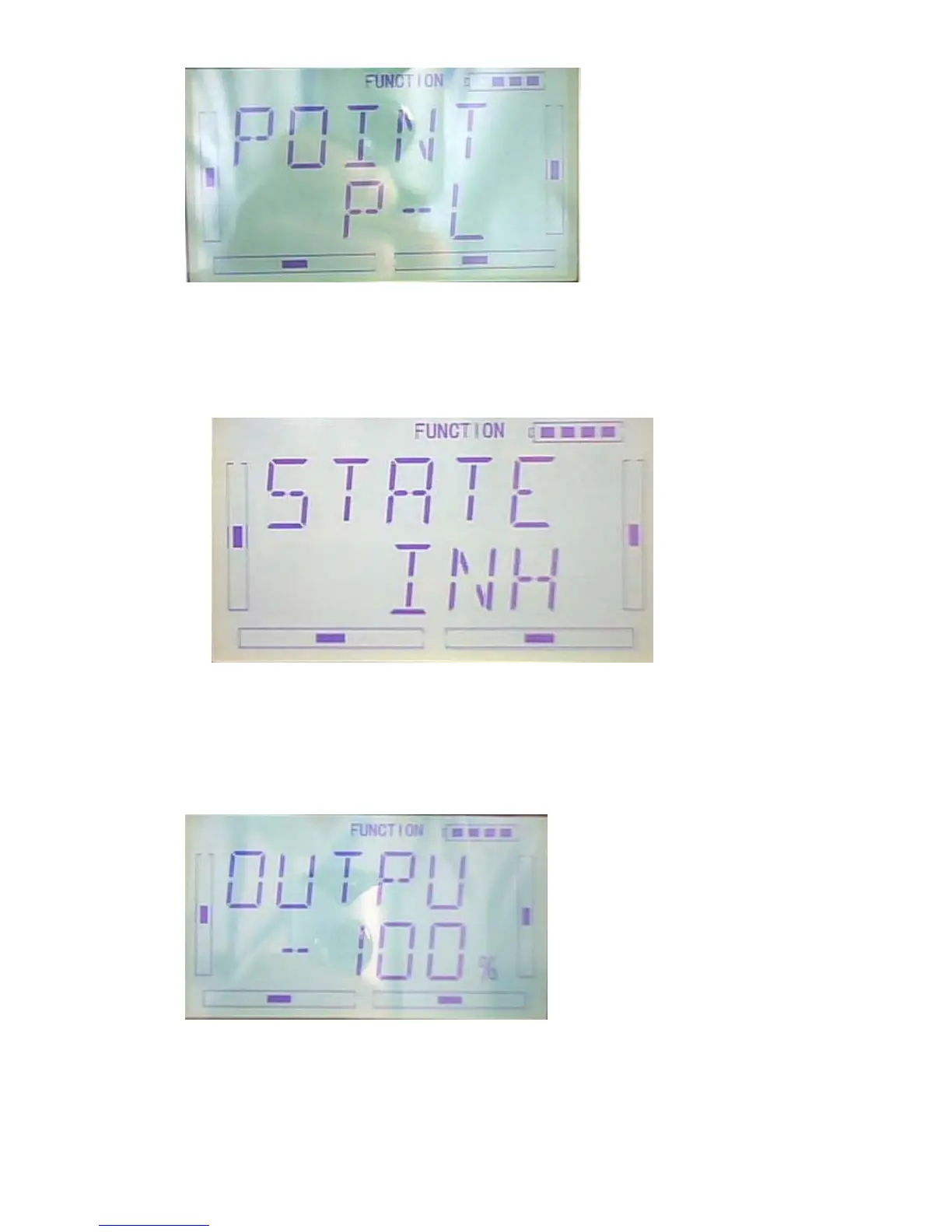
6)Status:Press R or L same as below illustration can select from Inhibit or Active.if do
not required to change the point data,select Inhibit(default setting is Inhibit).if require
to change the data,select Active.
Press DN to confirm enter to Output setting.
7)Output: when the Point setting is ACT press DN enter to Output setting. See below
illustration,Press R to decrease the data ,the Min. -100%, press L to increase the
Output data, the MAX. +100%。Press R or L to adjust the data of +、- to reverse if the
mix was reverse.
8) Throttle stick setting:press DN ket to enter to throttle stick setting interface after set
the Output setting.Press R or L can select Stick position data.the default setting is
“Inhibit”,the adjustment range is 0.0-100.0%。



 To Next Page