DEVO-7 Page 158 of 170
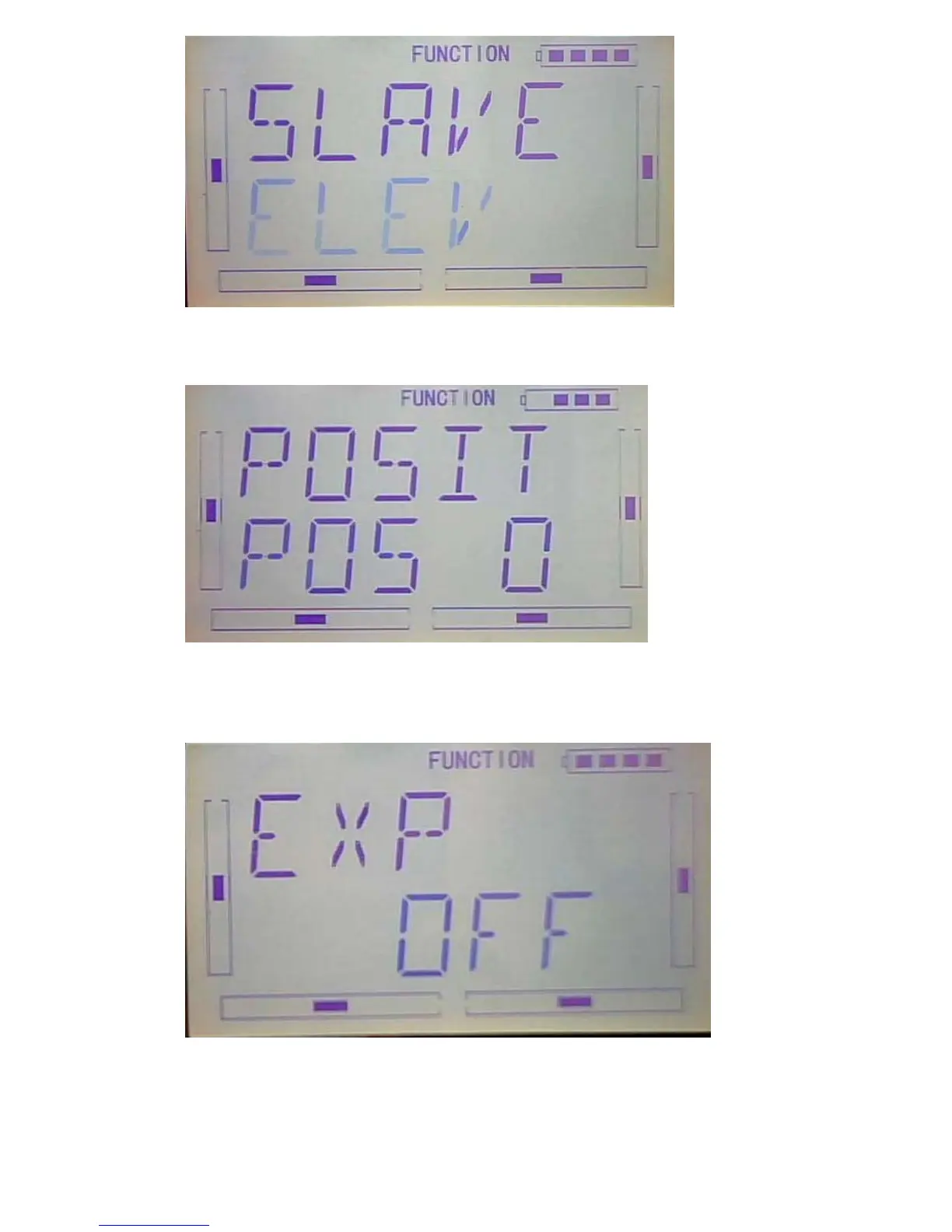
3)Position setting:Press DN after finished the slave channel setting.enter to the
Position setting interface.(see below illustration)
4)Exponetial curve:Press DN to confirm and enter EXP setting.see below
illustration,press R or L, select EXP”ON””OFF”. Press “ON” can make the curve
circularity,press “OFF” for nonuse.
5)Point
Press DN to confirm after EXP setting enter to 7 points.Press R or L to select from any



 To Next Page