DEVO-7 Page 71 of 170
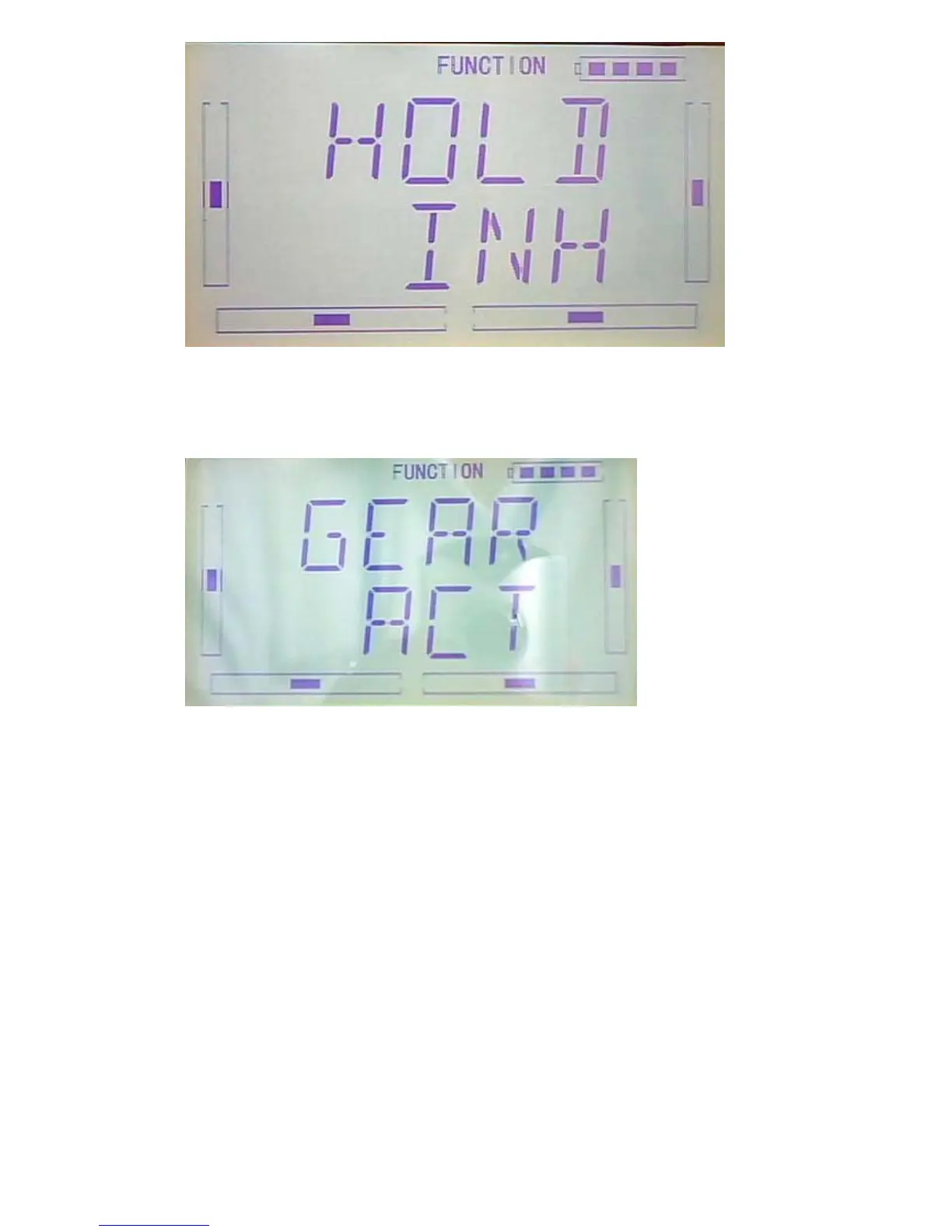
After setting HOLD, press DN button to get to GEAR switch setting interface. Press R
or L to set the switch inhibited or active.
After finished, press EXT to exit.
:
B “ Curve” setting of “ Program Mix”
Press ENT to flash main menu. Press UP or DN, FUNCTION is flashing, press ENT to
enter function menu, then press UP or DN to flash “PRGMX”. and press ENT to
program mix setting and current status (default setting is “inhabit”) interface. Press R
or L to choose inhibited, normal or curve.
Take “program mix 1” for axample, and choose “curve” setting.



 To Next Page