DEVO-7 Page 72 of 170
Press ENT button then expand an enquiry “All Servos Hold?”. Press R or L to
choose YES or NO. If “YES” selected, all the servos will be locked in the current
status, if “ NO” selected, all servos are unlocked. Press ENT button to get program
mix 1 setting interface.
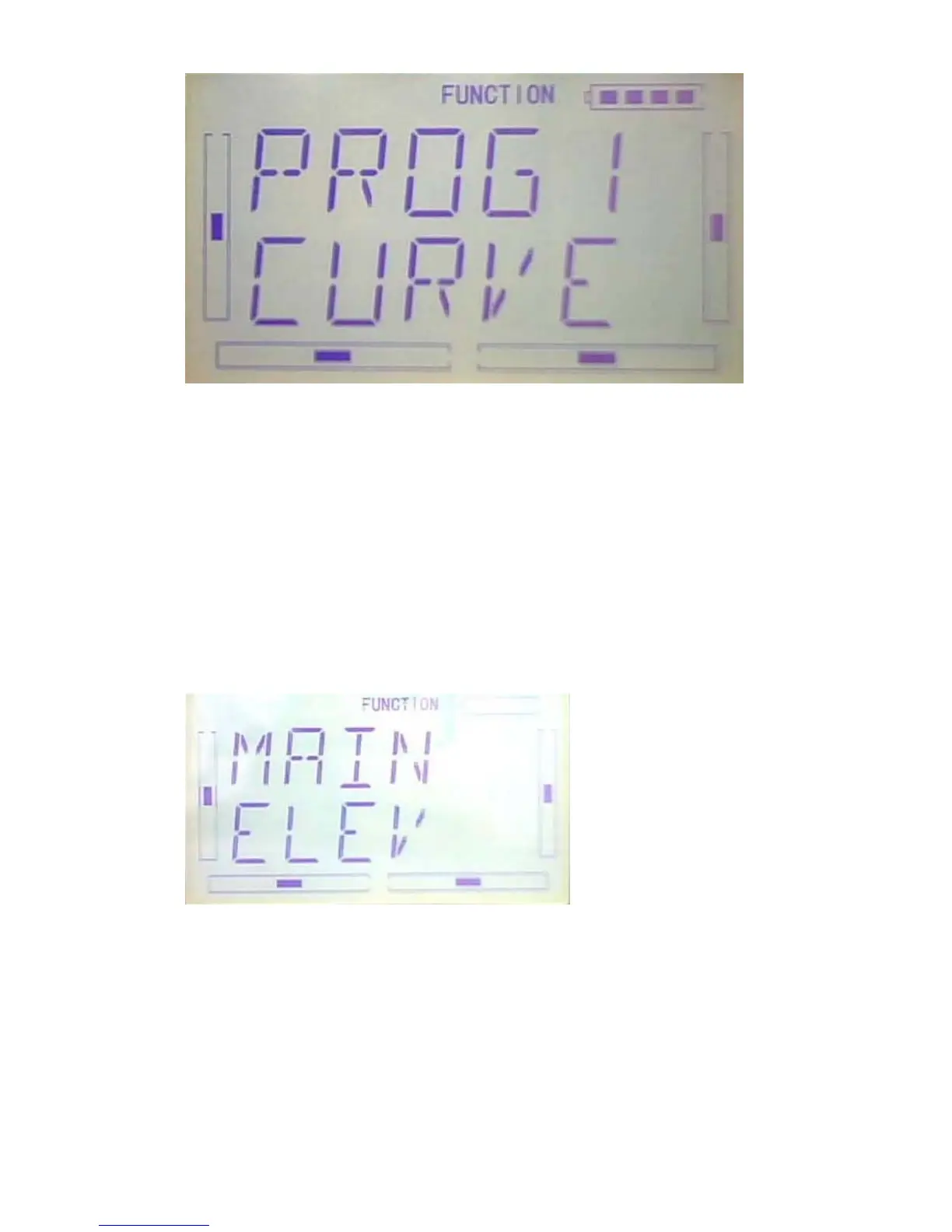
1) Setting of main channel: See below interface, press R or L to choose the required
main channel among ELEV, AILE, THRO, RUDD, GEAR, PITCH, AUX2, OELEV,
OAILE, OPITC, ORUDD, PELEV, PAILE, PTHRO, PRUDD and FMOD。
2) Setting of slave channel: after the setting of main channel finished, press DN button.
When getting to below interface, choose the required slave channel among ELEV,
AILE, THRO, RUDD, GEAR, PITCH and GYRO.



 To Next Page