4 • Display device screens | Dexcom ONE+ User Guide
25
What you see What it means
History
Today
Yesterday
3:45, 7.9 mmol/L
u
5.0
Fast-acting insulin
2:45, - - - mmol/L
Blood glucose
1:45, 8.4 mmol/L
Blood glucose
mmol/L
6.8
mmol/L
8
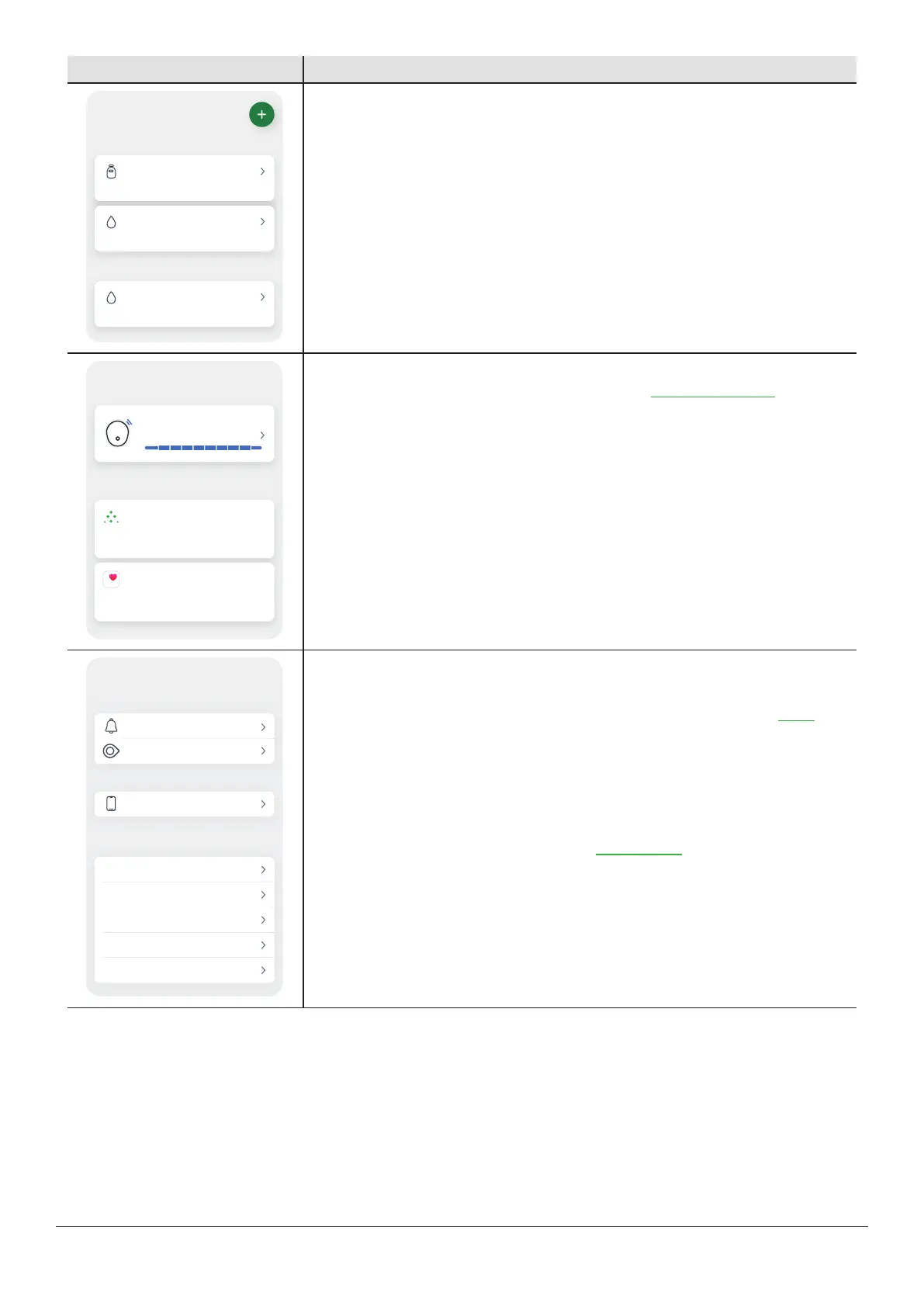
History: Go to this section to see your events log and track your BG meter values,
meals, insulin (long and fast acting), and activity. You can also make notes. If you
choose to calibrate, you do that here.
Connections
Allow friends and family to view your sensor
readings.
Share
Consolidates health data from iPhone,
Apple Watch, and third-party apps.
Apple Health
Sensor
10 days left
Available connections
Connections: Go to this section to get information about your sensor, to check your
pairing code, and to end your sensor session. (See the Next sensor session chapter for
more information about ending your sensor session.)
You can also:
l
Share your glucose information with your friends and family using the Share
feature.
l
Send glucose data to Apple Health.
Profile
Recommended settings
About
Account
Contact
Data consents
Help
Alerts
Glucose tab
Phone settings
Support
App settings
Avoid phone settings that stop your alerts and app
from working.
Profile: In this section you can change settings and get help.
l
App settings:
l
Customize your alerts with different settings and sounds. (Go to the Alerts
chapter for more information.)
l
Change your trend graph height, and more.
l
Phone settings: Avoid phone settings that stop your alerts and app from working.
l
Support:
l
Review your software and account information.
l
Contact Dexcom Technical Support at dexcom.com or contact your local
Dexcom distributor.
l
Review and revise data consents.
l
Get help (Profile > Help).
l
Give Dexcom feedback.



 To Next Page