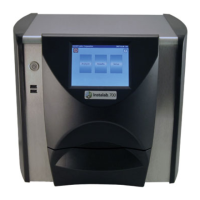
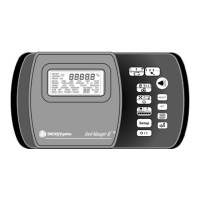
OPERATOR’S MANUAL
GAC
®
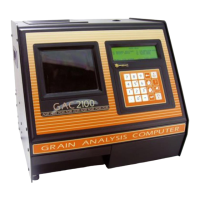
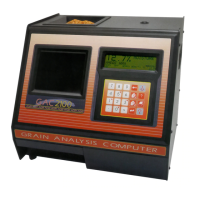
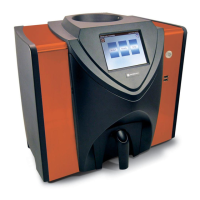
2100 Grain Analysis Computer (Blue, Gray, Agri Models)
11001-1688-201609
II /
Instrument Setup .............................................................................................. 39
Clear Cycle Counter (1 Key) ........................................................................................... 39
ID Options (2 Key) .......................................................................................................... 40
Configure Output Options (3 Key) .................................................................................. 41
Change The Access Code (4 Key) ................................................................................. 44
Change Date, Time and Date Format (5 Key)..................................................................46
Change Labels (6 Key) ................................................................................................... 48
Set Communications Port Parameters (7 Key) ............................................................... 51
Non-Active (5 Key from Communications Menu) ........................................................... 58
Service Menu (8 Key) ..................................................................................................... 58
Quick Keys Menu ........................................................................................................... 58
Test Weight Bias Adjustment ......................................................................................... 59
Test Weight Slope Adjustment ....................................................................................... 61
Moisture Bias Adjustment ............................................................................................... 62
Moisture Slope Adjustment ............................................................................................. 64
Test Unit Performance ..................................................................................... 67
Non-Active Keys ............................................................................................................. 67
View COM1 Port (2 Key) ................................................................................................ 67
View COM2 Transmit Port (3 Key) ................................................................................. 68
View Display Characters (5 Key) .................................................................................... 69
View Diagnostic Mode (6 Key) ....................................................................................... 70
Test Network Mode (7 Key) ............................................................................................ 72
View/Print Parameters (8 Key) ....................................................................................... 73
Operator Maintenance ..................................................................................... 77
Cell Cleaning - Daily ....................................................................................................... 77
Fuse Replacement ......................................................................................................... 77
Error Codes......................................................................................................... 78
Appendix A: Communication Ports ................................................................ 79
COM1 Port options ......................................................................................................... 79
COM1 Pin Assignment Details ....................................................................................... 79
COM2 Pin Assignment Details ....................................................................................... 80
Warranty.............................................................................................................. 83


 To Next Page
 Loading...