OPERATOR’S MANUAL
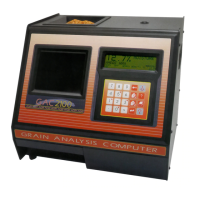
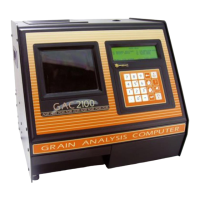
GAC® 2100 Grain Analysis Computer (Blue, Gray, Agri Models)
11001-1688-201609
34 CALIBRATE PROCEDURES
Figure 25
Calibration Data Printout
PRINT AUDIT MEMORY DATA (5 KEY)
(Blue model)
The audit memory records data changes made to parameters affecting
moisture measurement or the display of the measurement data. The audit
memory stores the following types of data:
• Grain calibration settings
• Output option settings
• Date and time settings
• Moisture bias and slope adjustment settings
Memory contents can be printed at any time. Printing audit memory can be
initiated from either the unit or the computer site (Figure 27). For additional
information concerning printing from the computer, refer to the
Communications Software manual included with the Communication
software.
To Print the Audit Memory Contents:
1. From the Main menu, access the Calibration menu by selecting the 3
key.
– Access PRINT AUDIT MEMORY DATA by selecting the 5 key. A
screen appears displaying PRESS PRINT TO BEGIN.
2. Press the Print key to obtain a printout of the audit memory
(Figure 26). Multiple copies can be produced by selecting the Print key
again when the printer finishes. If only the header, current date, current
time, and GAC 2100 serial number print during this process, the audit
memory is empty.
DICKEY-JOHN
CORP_GAC 2100
09/29/16 10:32:28
S/N: 1737-90909
CALIBRATION DATA
===============
ID: 1.1
STD. MOIST:
D1: 0
D2: 672
D3: 2412
D4: 233
===============
Print Key


 To Next Page
 Loading...