CT100 inverter Detailed instructions of function parameters
111
Switch form torque control mode to speed control
mode.
Enable the pulse counter.
Temporary PID invalid and the inverter will output at
the current frequency.
Wobble pause (at
the current
frequency)
The inverter will stop at the current output and after
canceling the function, the inverter will continue
wobble at the current frequency.
Wobble reset
(return to center
frequency)
The setting frequency of the inverter will come back
to the center frequency.
The counter status is cleared.
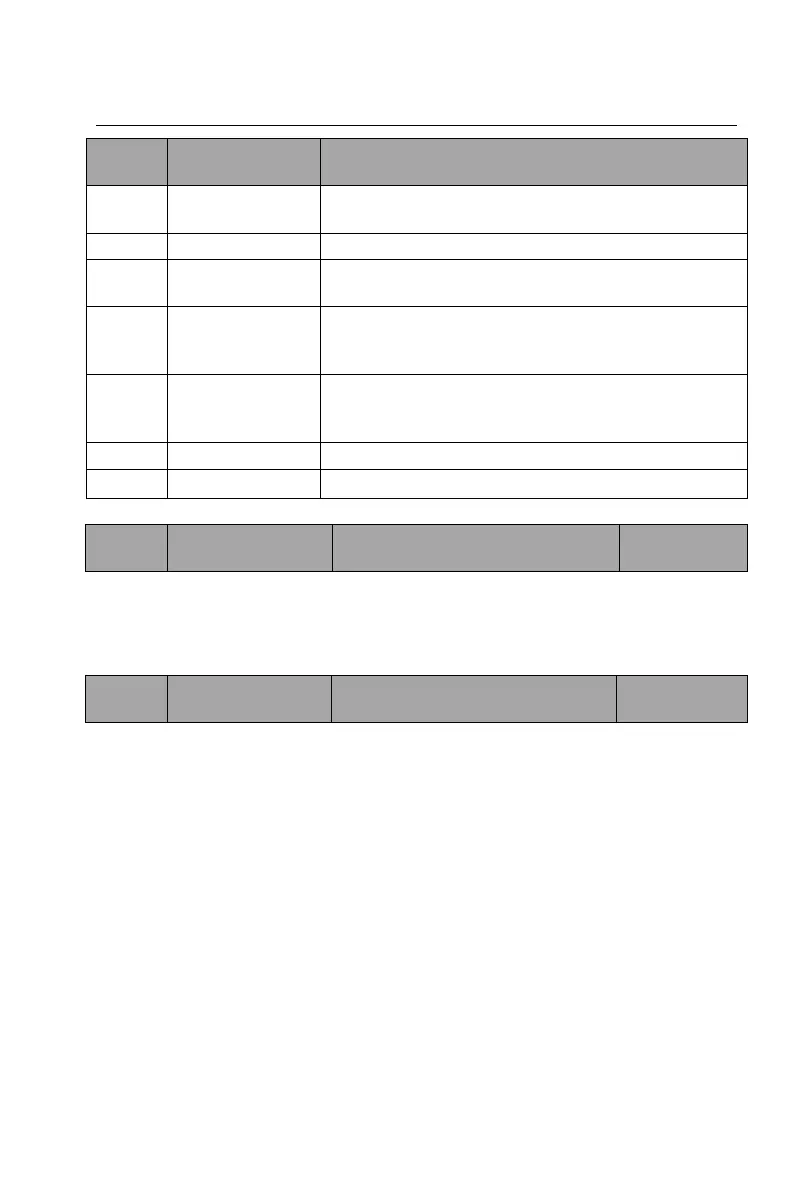
Table 6-2 Functions of multi-function input terminals
Set the sensitivity of the DI terminal. If the digital input terminal is easy to be
interfered and cause malfunction, this parameter can be increased to improve
the anti-interference capability, whereas at the same time the sensitivity of the DI
terminal will be reduced.
Terminal control
running mode
Set the terminal control running mode.
0: two-wire control mode 1
Enabling and direction are combined together. This is the most frequently used
two-wire mode. Whether the motor is forward or reverse running is determined
by FWD and REV terminal commands.


 To Next Page