D439E Service Manual 5. Service Tool
238
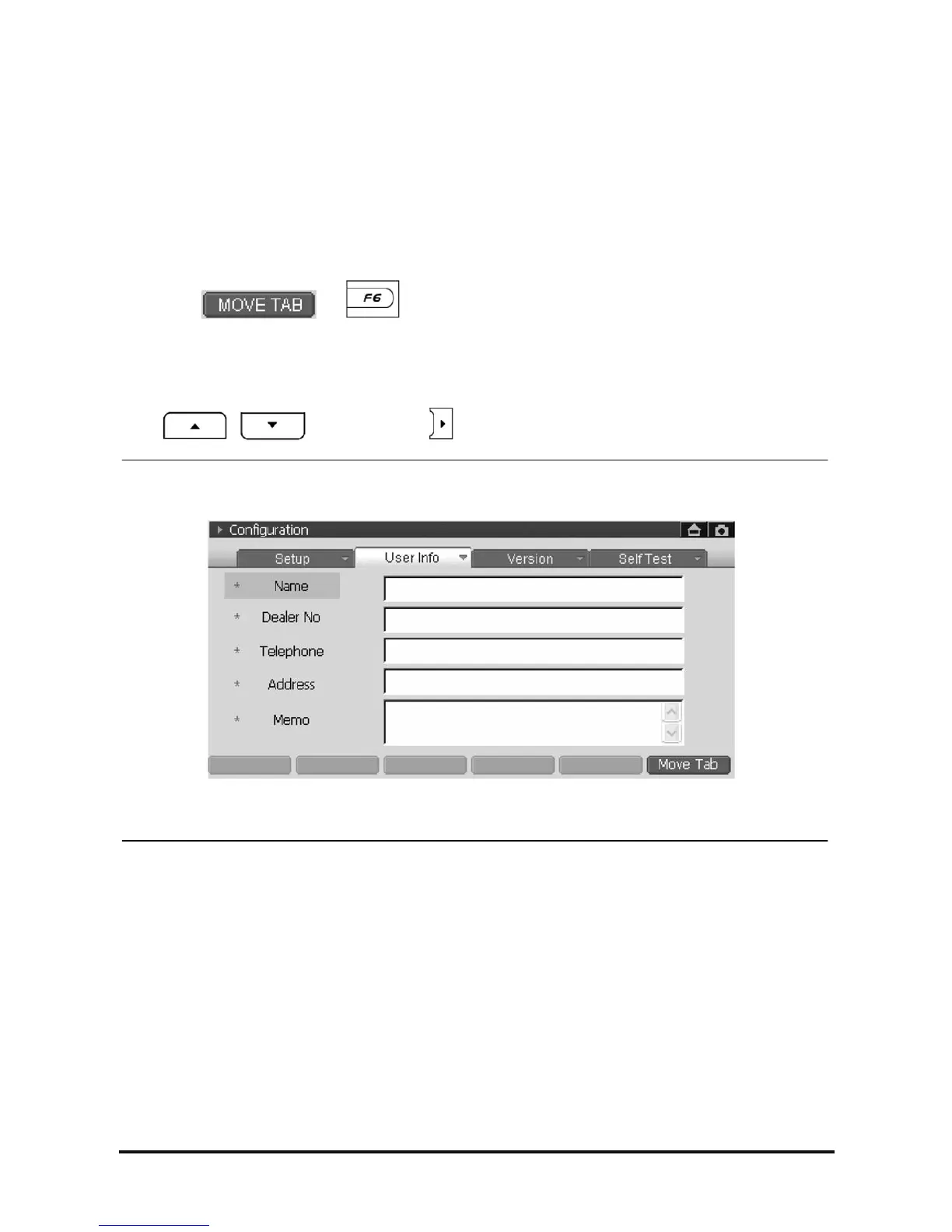
User Information
This is how to input user’s personal information.
How to input the User Information
How to select the “User Info”
• Selecting the “User Info” on the touch screen using the stylus pen, following screen will be shown.
• Select the
or button in the “Setup” to move to “User Info”.
How to move in “User Info” lists
• Select the items on the touch screen using the stylus pen.
• Use
, to move and use to select.
<Figure 1: User Info Screen>



 To Next Page
 Loading...