D439E Service Manual 5. Service Tool
356
O/S Update
This is the chapter for how to update the O/S which are the basic system for operating this equipment.
O/S Update
With SD card installed, press the & buttons at the same time and turn on the
power.
O/S Update Conditions
• Supply the electric power using the AC/DC adapter.
• The version of current G-scan and that of the O/S update file saved in SD card should be different.
• The O/S update file should be included in the data loaded in the SD card.
• Proceed O/S update with all peripherals removed at option port (USB).
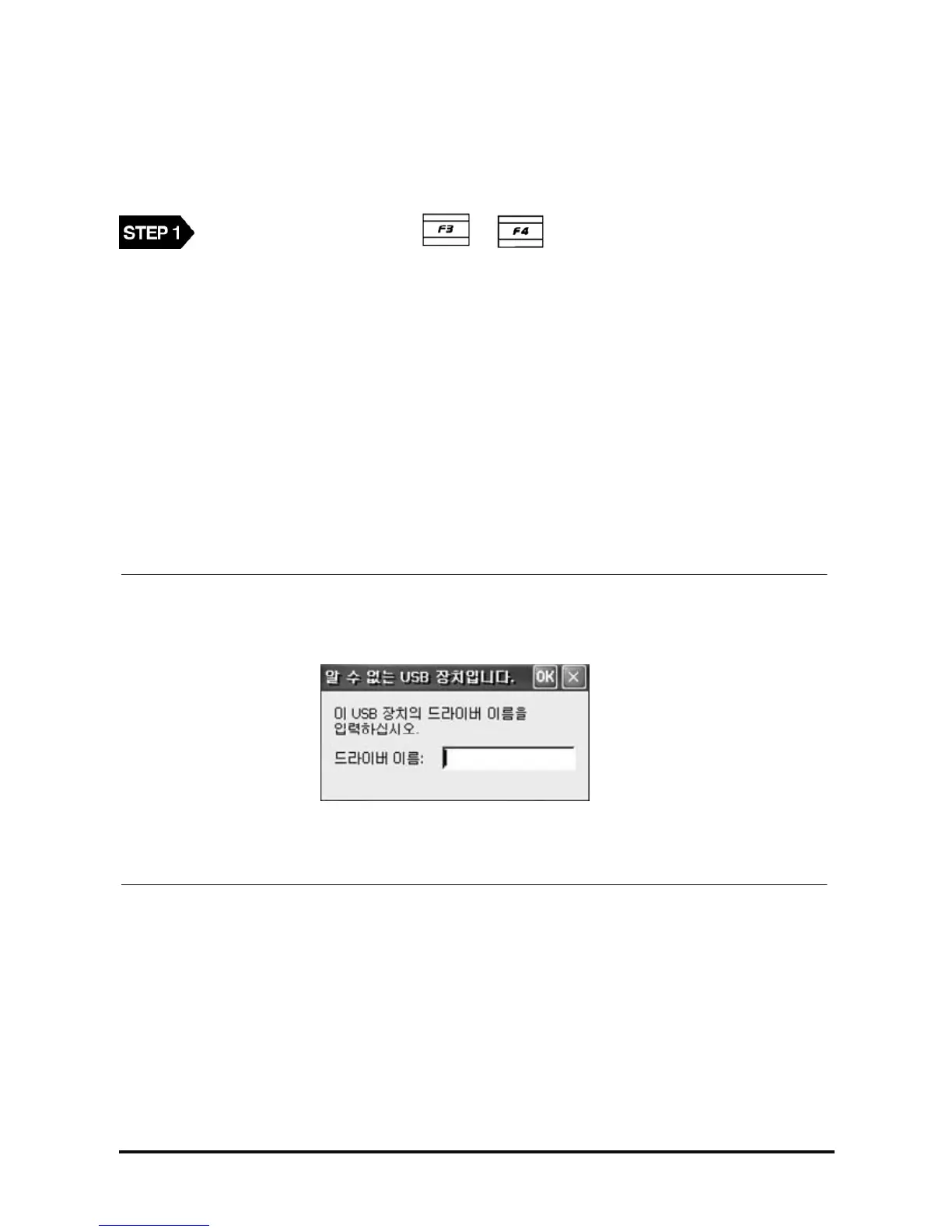
◈ Error Massage :
• When the condition is not satisfied.
<Figure 1: Message shown at peripherals attached to USB port while O/S updating>
Dialogue <Figure 1> will be shown if O/S update is prompted with peripherals attached at option port(USB).
Reboot G-scan then try again.



 To Next Page
 Loading...