80 Instructions for use Isolette 8000 plus SW 5.n
Operation
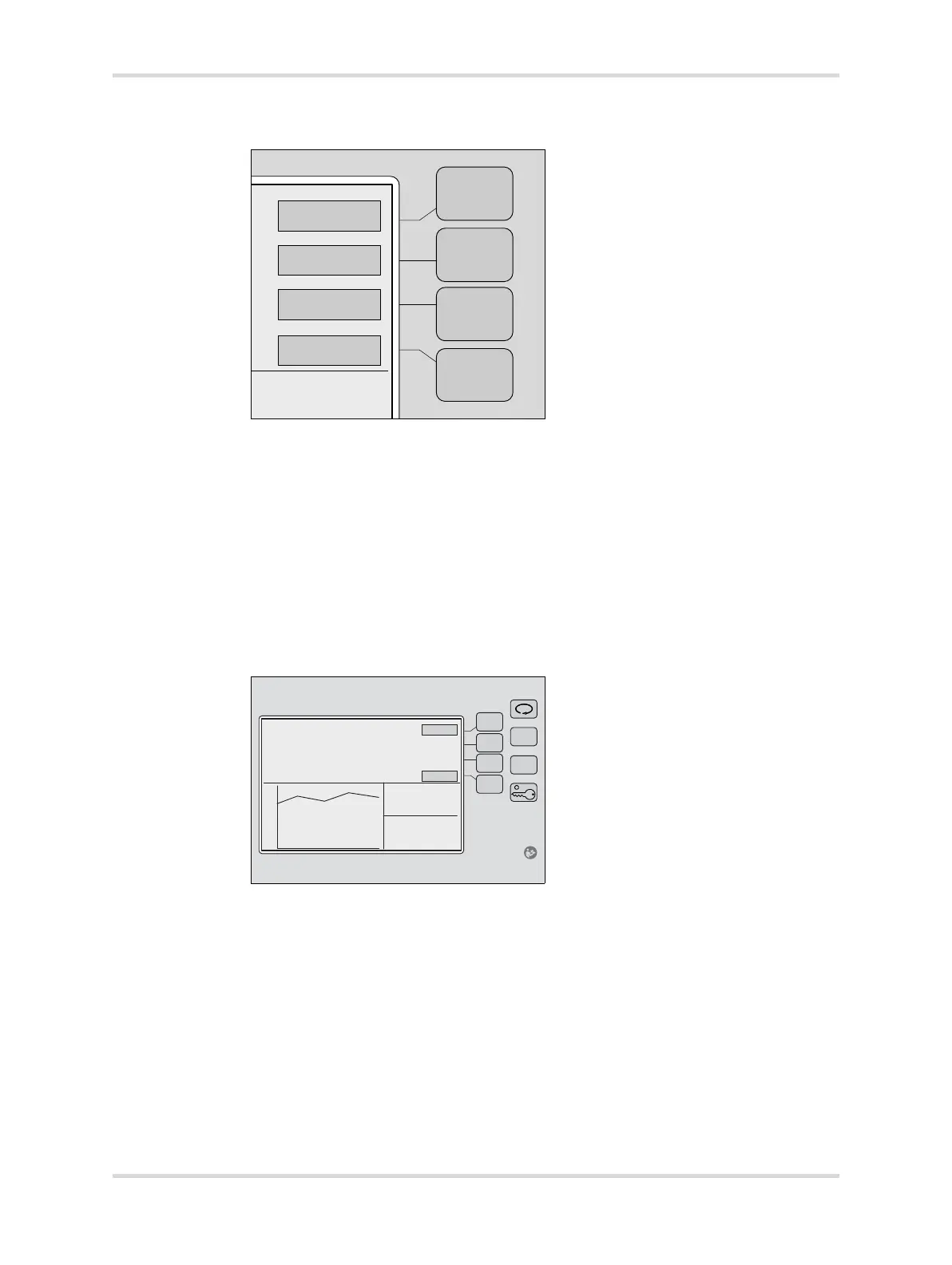
2 At display 1, press the Skin button (A) to select the skin temperature mode.
The screen changes to the temperature display with new button labels and a
border around the current temperature set point.
3 Attach the central skin probe to the infant (see Connecting skin probes on page
81).
4 Set the skin temperature to the prescribed setting.
To raise the set temperature from 34 °C (93.2 °F) to 37.0 °C (98.6 °F) in 0.1°
increments, press the Up Arrow key (B). In temperature override mode, the
temperature can be set from 37.0 °C (98.6 °F) to 38.0 °C (100.4 °F) in 0.1°
increments.
To lower the set temperature from 38.0 °C (100.4 °F) to 34.0 °C (93.2 °F) in
0.1° decrements, press the Down Arrow key (C).
5 To confirm the skin set temperature setting, press the Home button (D).
Device returns to display 1.
6 To lock the keypad, press the Keypad Lock key (E).
023052














 To Next Page