Instructions for use Isolette 8000 plus SW 5.n 81
Operation
8.1.2.1 Activating temperature override mode
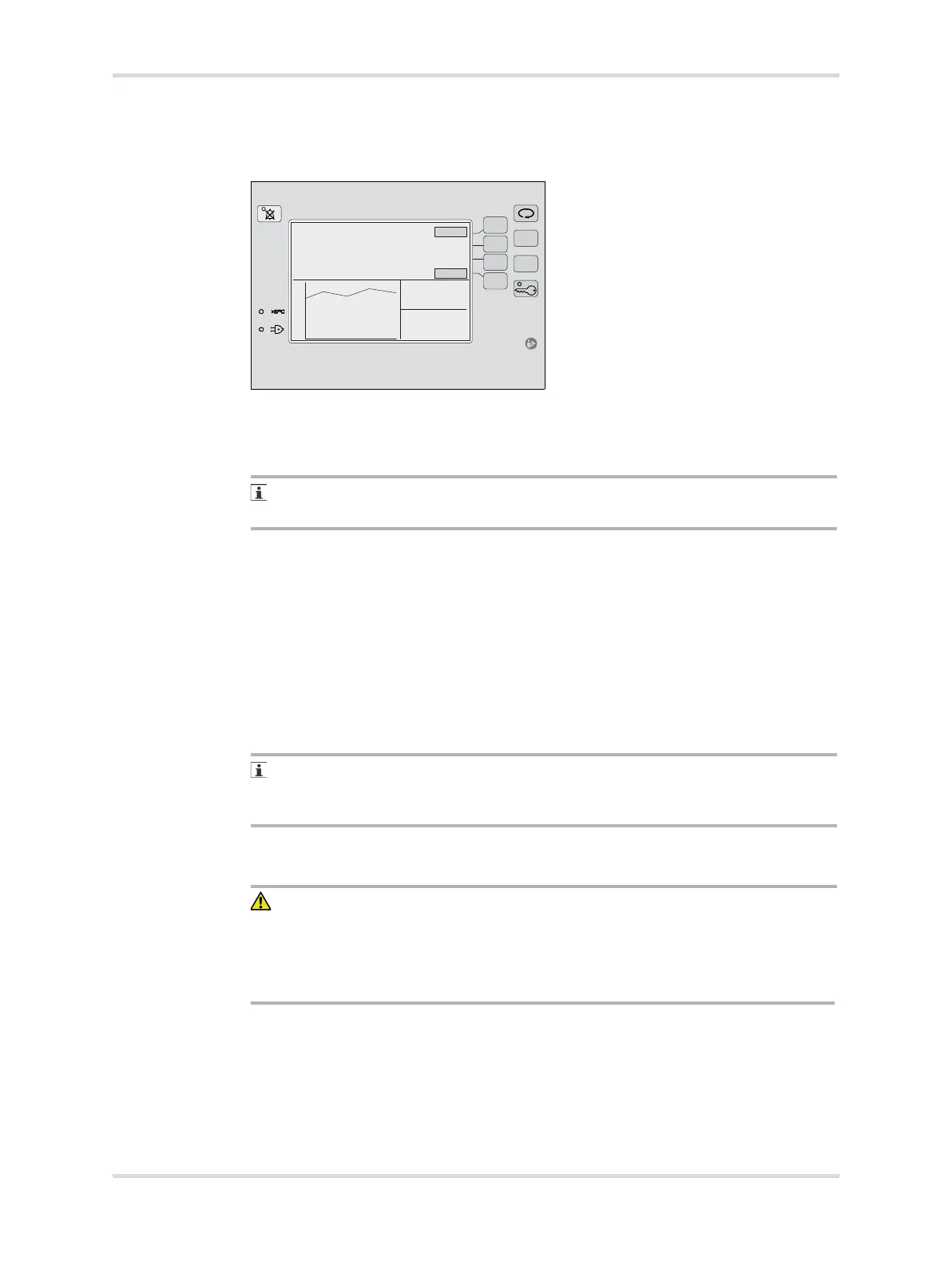
1 To raise the set temperature to 37.0 °C (98.6 °F), Press the Up Arrow key (A).
2 To activate the temperature override mode, press the >37°C button (B).
The >37°C LED indicator illuminates (C) and the color of the >37°C button
label changes.
The >37°C button is inoperative until the air set temperature is set to 37.0 °C
(98.6 °F).
3 To raise the set temperature from 37.0 °C (98.6 °F) to 38.0 °C (100.4 °F), press
the Up Arrow key (A).
✓ The set temperature increases in 0.1° increments.
8.1.3 Monitoring single or dual temperatures
The sensor module is equipped to accept 2 skin probes. When skin probes are
inserted into the central skin probe connector and peripheral skin probe connector,
the controller screen displays the respective central skin and peripheral skin
temperatures.
In skin temperature mode, only the central skin probe (yellow) is used to control
the temperature. The peripheral skin probe (white) provides more skin
temperature monitoring for informational purposes only.
8.1.4 Connecting skin probes
CAUTION
Risk of injury or damage to the device
Noncompliance may result in injury or damage to the device.
► Do not clean and reuse single-use components.
► Do not use single-use components or accessories if packaging is damaged.
053














 To Next Page