90 Instructions for use Isolette 8000 plus SW 5.n
Operation
8.3.1 Turning the oxygen mode on or off
1 Ensure that the oxygen supply provides an inlet pressure and inlet flow rate in
compliance with the specifications (see Oxygen control system (option) on page
170).
2 Connect the oxygen hose from the oxygen inlet located under the rear shell of
the incubator to the oxygen supply.
3 If necessary, unlock the keypad.
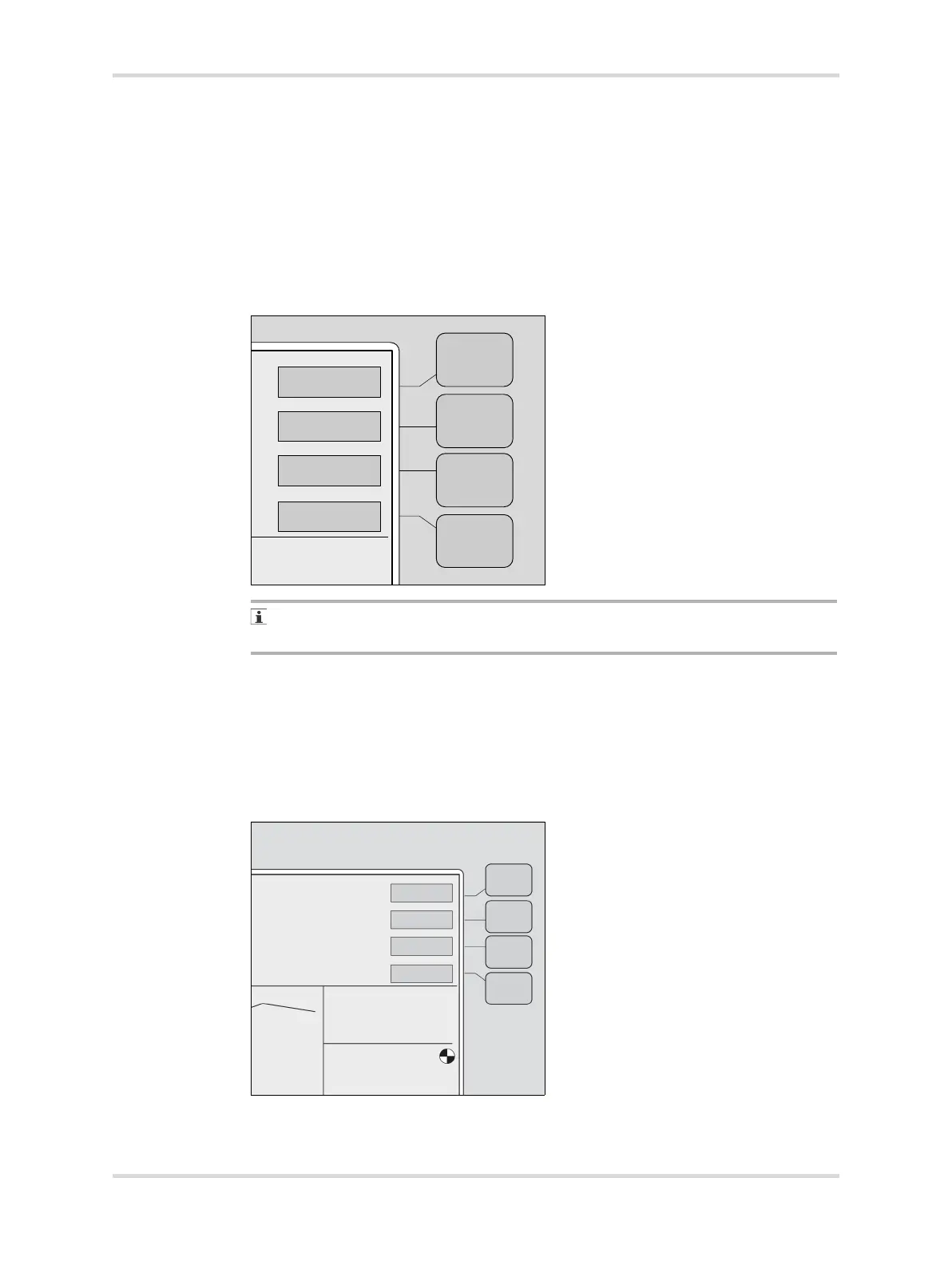
4 At display 1, press the Oxygen button (A).
If no keys are pressed within 15 seconds of making any selection, the screen
automatically reverts to the previous display.
The screen changes to the oxygen display with new button labels.
5 To activate the oxygen mode, press the On button (A).
The rotating wheel (B) indicates that the oxygen mode is active.
6 If the message Cal Required is displayed, calibrate the oxygen control system
(see Shutting down the Isolette 8000 plus properly on page 108).
7 Press the Off button (C).
✓ Oxygen mode is deactivated.
023102














 To Next Page