96
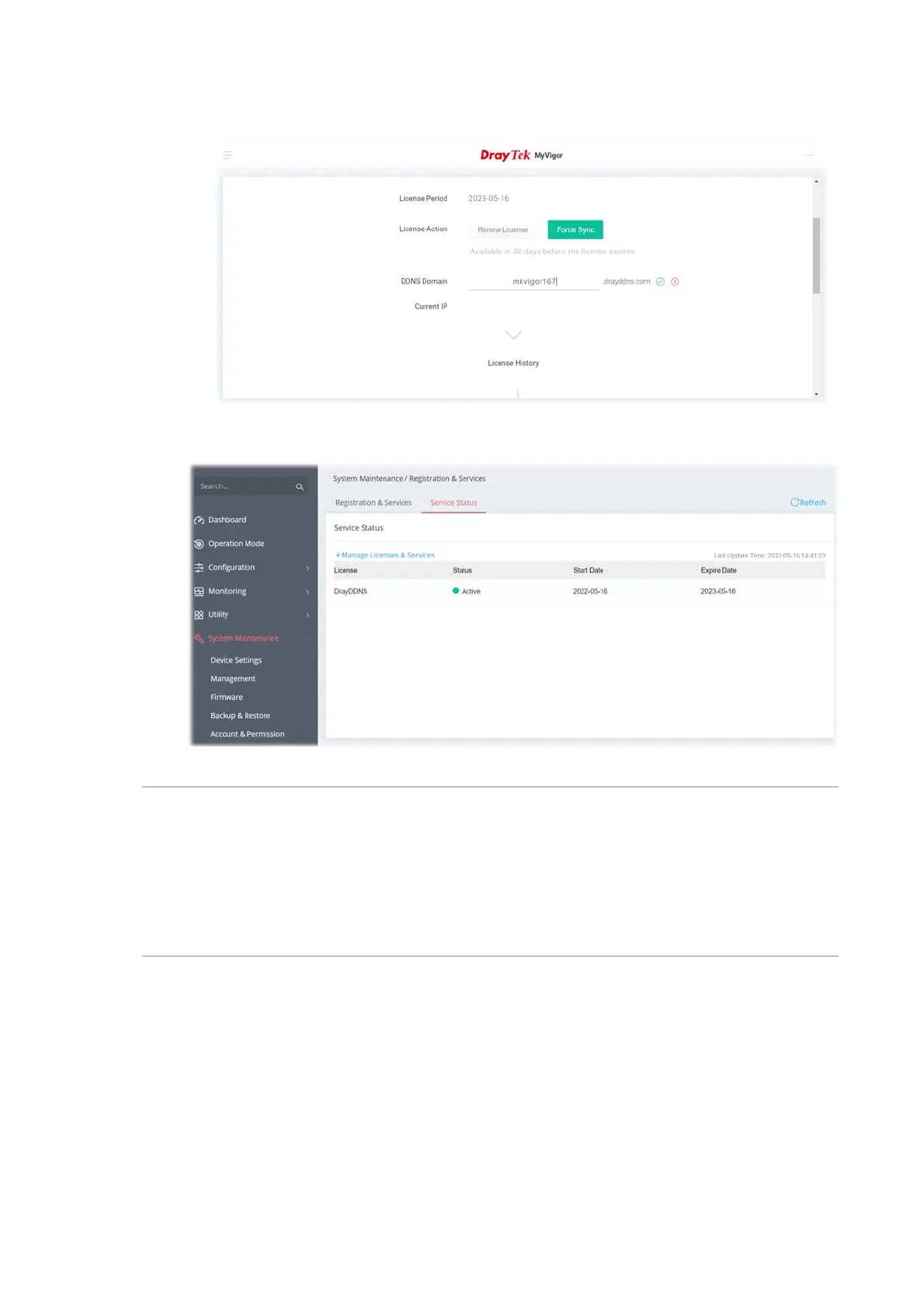
7. Click Login. Later, enter the DDNS domain name for DrayDDNS service.
8. Return to the System Maintenance >> Registration & Service>>Service Status page. The
activated license with start/expire date information will be shown on the screen.
Note:
If there is no license information, please go to System Maintenance>>Registration &
Services>>Registration & Service and click Login (III-1-7-1 , step 7) to load the license
information from MyVigor website.



 To Next Page