39
Enabled Switch the toggle to enable or disable the function.
IPv4 Connection Type There are four types for network connection:
PPPoE
PPPoA
DHCP
Static IP
Username/Password It is available when PPPoE/PPPoA is selected as IPv4 Connection Type.
IP Address It means the WAN IP address assigned by the ISP.
It is available when Static IP is selected as IPv4 Connection Type.
Subnet Mask It means the WAN subnet mask.
It is available when Static IP is selected as IPv4 Connection Type.
Gateway IP It means the IP address of the WAN Gateway.
It is available when Static IP is selected as IPv4 Connection Type.
Options under the Advanced Mode
ADSL Setting Below shows the additional options for ADSL Setting:
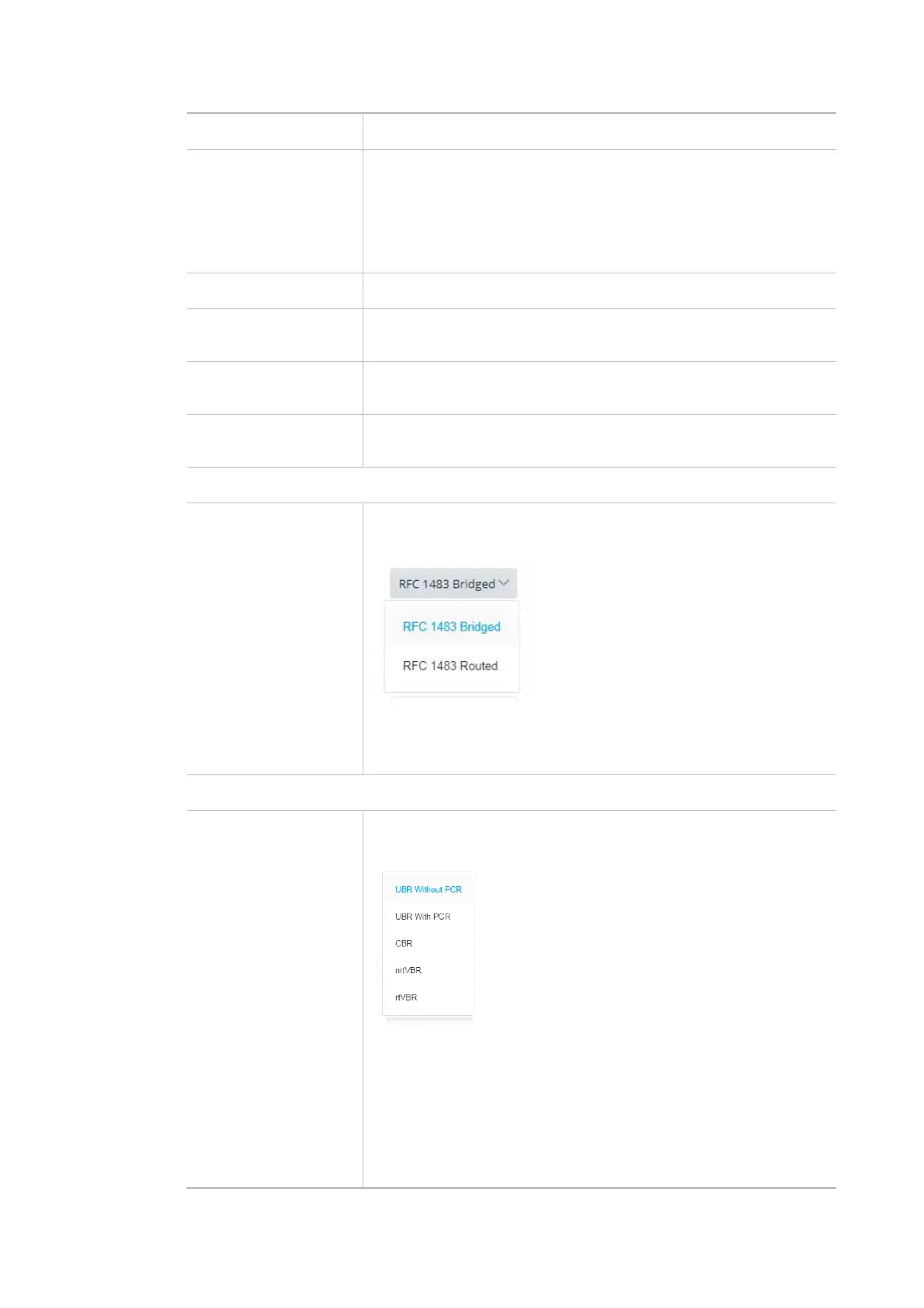
Encapsulation - Encapsulating type of the ADSL connection.
Multiplexing - Encapsulating type of the ADSL connection. Available
values are LLC (Logical Link Control) and VC-Mux (Virtual Circuit
Multiplexing). Contact your ISP for the correct encapsulating type.
QoS
ATM QoS Configure the Quality of Service (QoS) of the ATM circuit.
Select a proper QoS type for the interface.
UBR Without PCR- Unspecified Bit Rate.
UBR With PCR- Unspecified Bit Rate. Enter the value for PCR (Peak
Cell Rate, 0_5500) if select UBR With PCR.
CBR - Constant Bit Rate.
nrtVBR - Non-real-time Variable Bit Rate.
rtVBR - Real-time Variable Bit Rate.



 To Next Page