52
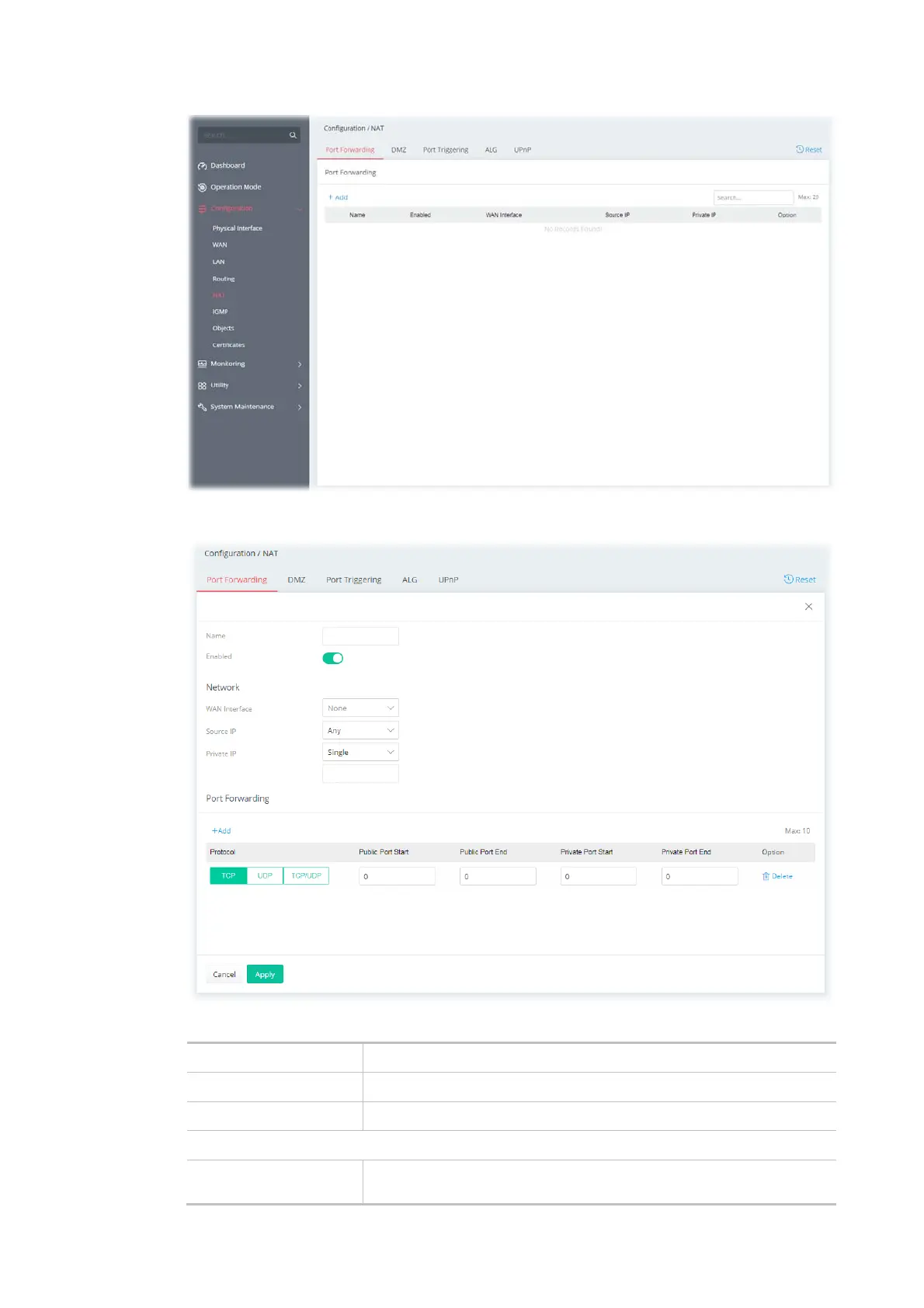
To add a new port forwarding profile, click the +Add link to get the following page.
Available settings are explained as follows:
Item Description
Name Enter a name that identifies the rule.
Enabled Switch the toggle to enable or disable the function.
Network
WAN Interface The WAN port(s) whose incoming traffic will be forwarded to a LAN
client. Select from a specific WAN interface WAN# to apply the rule to



 To Next Page