71
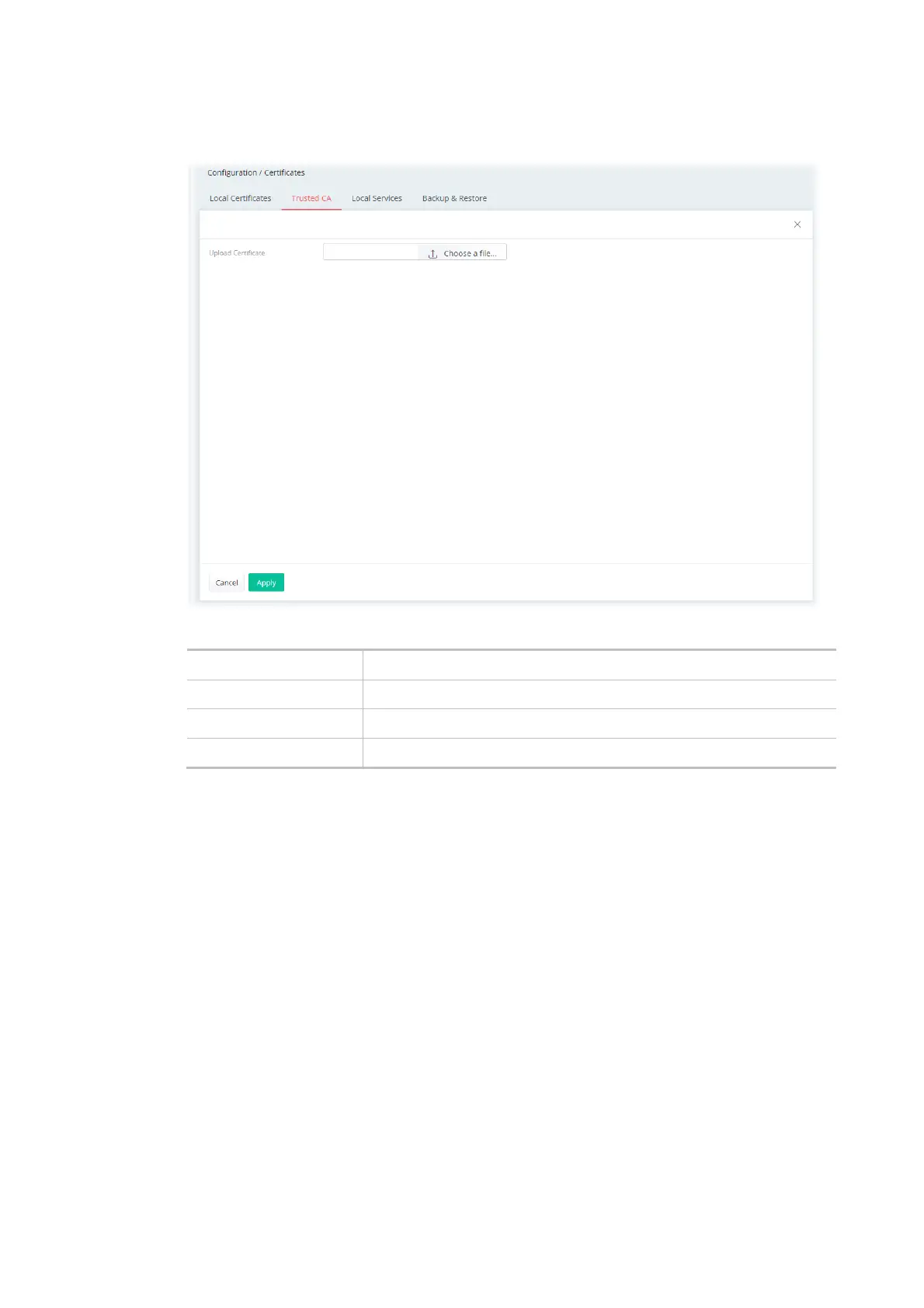
To upload a certificate, click the +Add link to get the following page.
Available settings are explained as follows:
Item Description
Upload Certificate Choose a file - Select a local certificate file.
Cancel Discard current settings and return to the previous page.
Apply Click to import selected certificate file to the router.
After finishing this web page configuration, please click Apply to save the settings.



 To Next Page