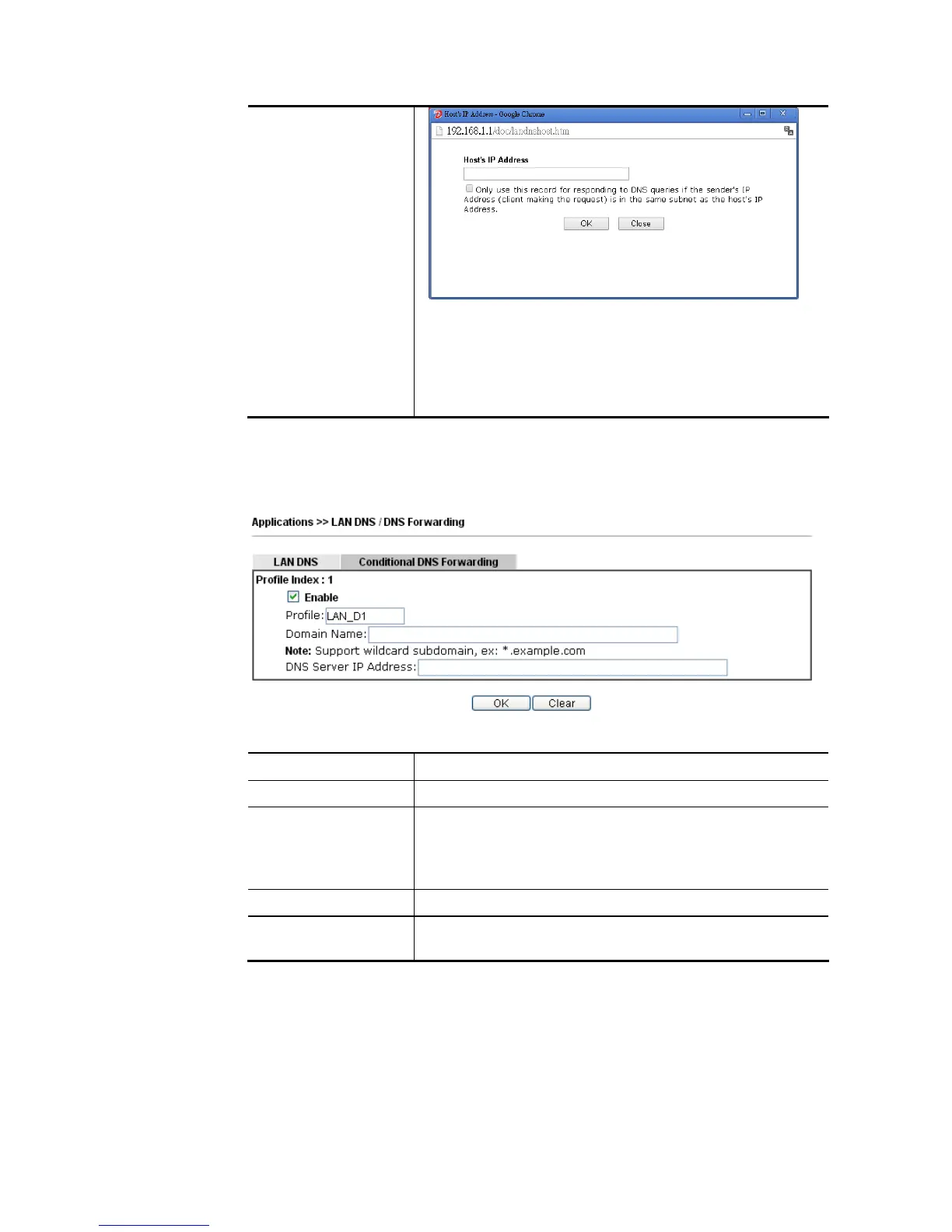
Only use this record…. – Different LAN PCs can share
the same domain name. However, you have to check
this box to make the router identify & respond the IP
address for the DNS query coming from different LAN
PC.
Delete – Click it to remove an existed IP address on the list.
3. Click OK button to save the settings.
4. If you need to configure LAN DNS settings, click index 1 to edit the LAN DNS profile just
created. Or, you can click index 2 to use this profile as conditional DNS forwarding.
Available settings are explained as follows:
Item Description
Enable Check this box to enable such profile.
Profile Type a name for such profile.
Note: If you type a name here for conditional DNS forwarding
and click OK to save the configuration, the name also will be
applied to LAN DNS automatically.
Domain Name Type the domain name for such profile.
DNS Server IP Address
Type the IP address of the DNS server you want to use for DNS
forwarding.
5. Click OK button to save the settings.
6. A new LAN DNS profile has been created.














 To Next Page