3G/4G USB Modem
(PPP mode)
SIM Pin code –Type PIN code of the SIM card that will be used
to access Internet. The maximum length of the pin code you
can set is 15 characters.
Modem Initial String – Such value is used to initialize USB
modem. Please use the default value. If you have any
question, please contact to your ISP. The maximum length of
the string you can set is 47 characters.
APN Name – APN means Access Point Name which is provided
and required by some ISPs. Type the name and click Apply.
3G/4G USB Modem
(DHCP mode)
SIM Pin code – Type PIN code of the SIM card that will be
used to access Internet.
Network Mode – Force Vigor router to connect Internet with
the mode specified here. If you choose 4G/3G/2G as network
mode, the router will choose a suitable one according to the
actual wireless signal automatically.
APN Name – APN means Access Point Name which is provided
and required by some ISPs.
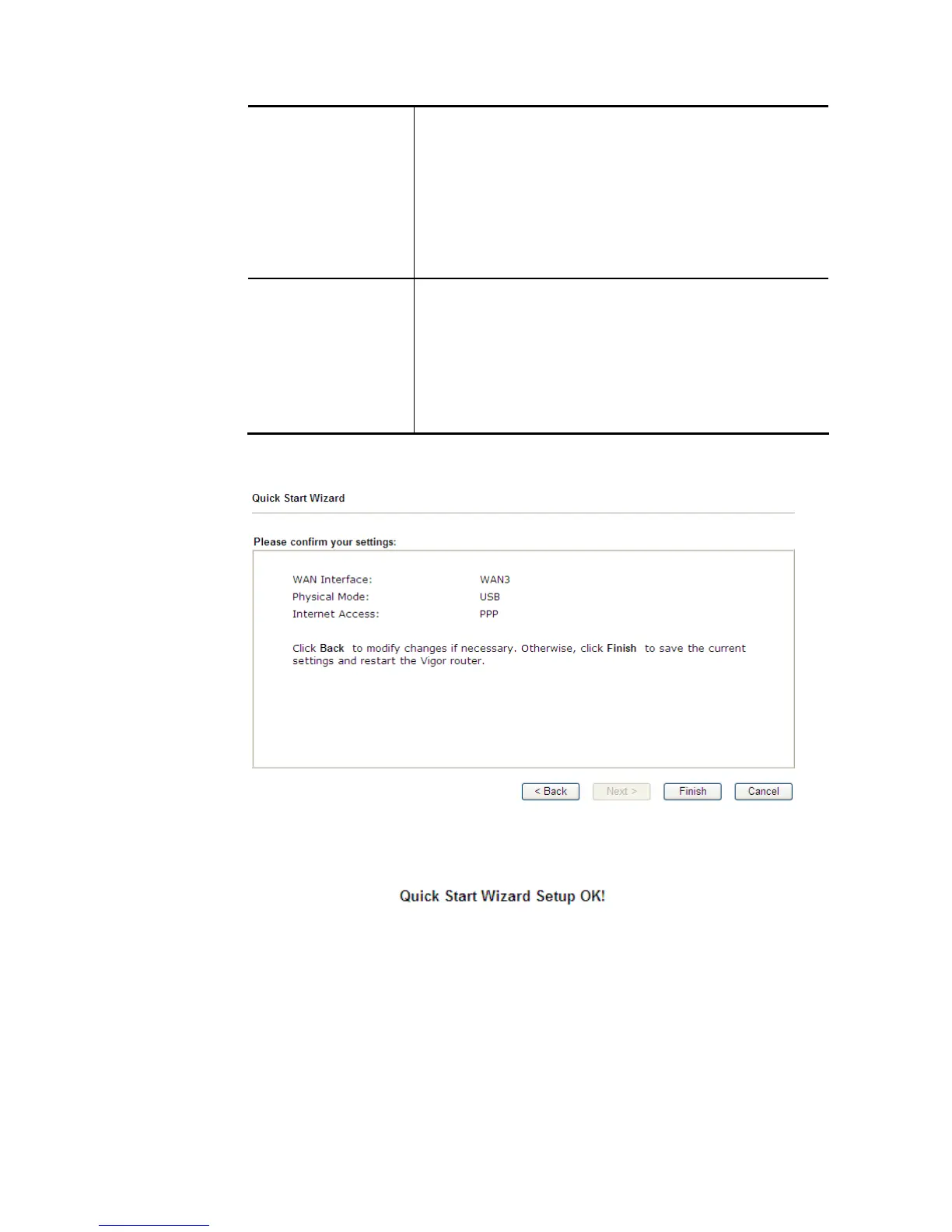
3. Then, click Next for viewing summary of such connection.
4. Click Finish. A page of Quick Start Wizard Setup OK!!! will appear. Then, the system
status of this protocol will be shown.
5. Now, you can enjoy surfing on the Internet.














 To Next Page