connection status.
Failover – Choose it to make the WAN connection as a
backup connection.
WAN Failure – When the active WAN failed, such WAN
will be activated as the main network connection.
Traffic Threshold – When the data traffic of active
WAN reaches the traffic threshold (specified here),
the failover WAN will be enabled automatically to
share the overloaded data traffic.
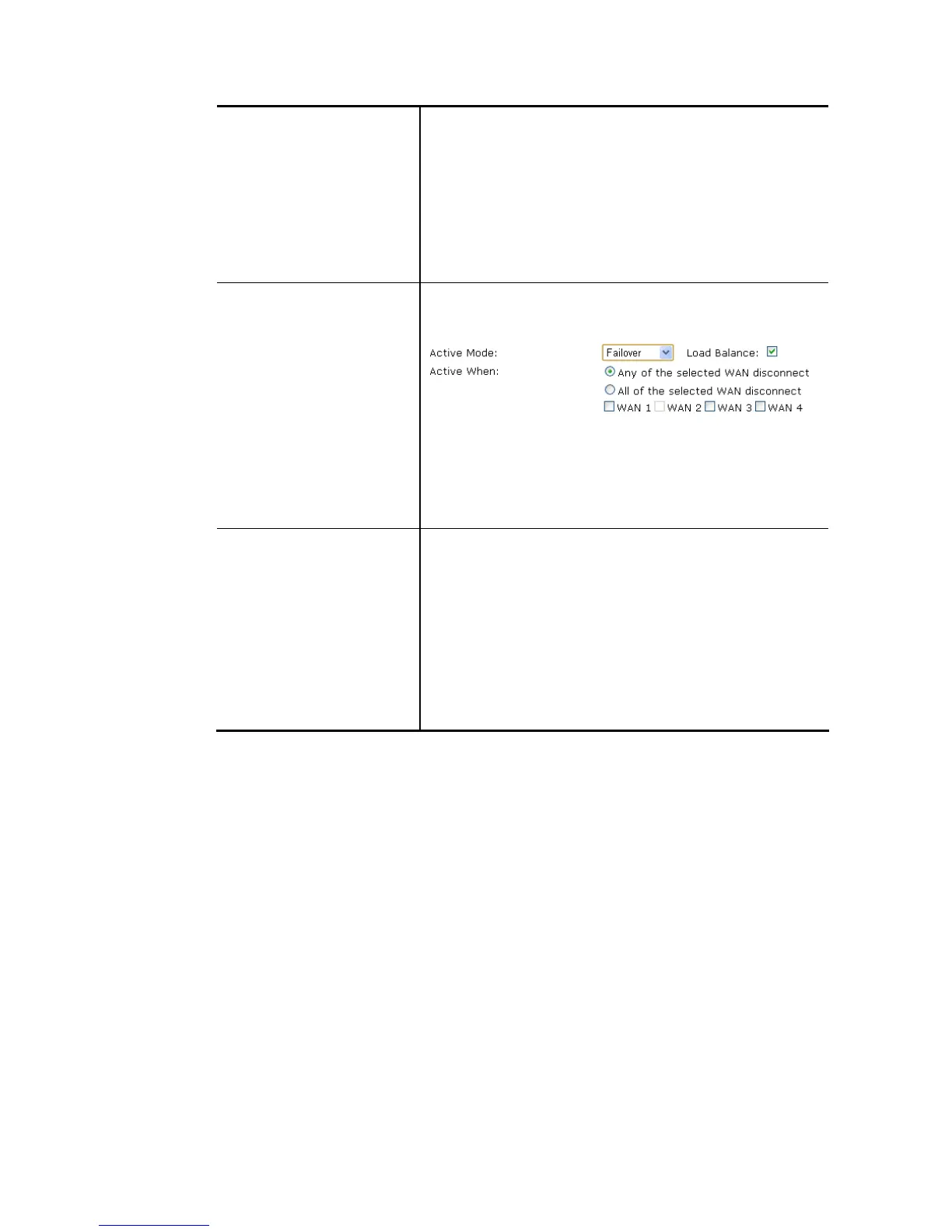
Active When If you choose Failover as the Active Mode, Active When
will appear. Please specify which WAN will be the Backup
interface.
Any of the selected WAN disconnect – Such backup WAN
will be activated when any master WAN interface
disconnects.
All of the selected WAN disconnect – Such backup WAN will
be activated only when all master WAN interfaces
disconnect.
VLAN Tag insertion Enable – Enable the function of VLAN with tag.
The router will add specific VLAN number to all packets on
the WAN while sending them out.
Please type the tag value and specify the priority for the
packets sending by WAN interface.
Disable – Disable the function of VLAN with tag.
Tag value – Type the value as the VLAN ID number. The
range is from 0 to 4095.
Priority – Type the packet priority number for such VLAN.
The range is from 0 to 7.
After finished the above settings, click OK to save the settings.














 To Next Page