78
- Check the OP (operation) Mode. Make sure new Mesh Node doesn't accidentally get DHCP IP and
becomes AP mode.
- Check the country code and channels. For example, it is impossible for connecting a VigorAP 903
Mesh Root with 5G channel 36 to VigorAP920R Wireless Mesh Node in EU country code.
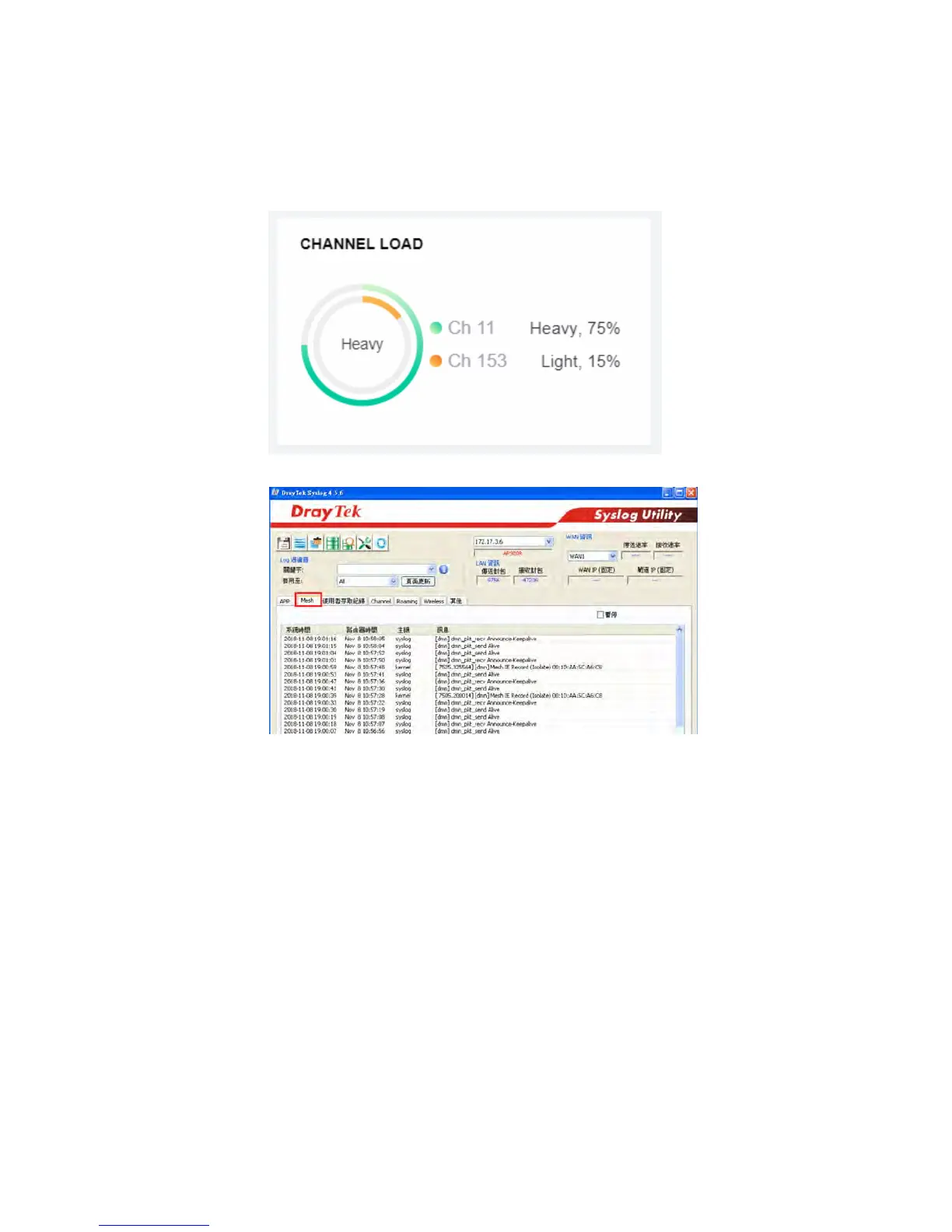
- Check the channel load. Make sure it is not over 70%.
- Collect some Mesh logs and send the result to DrayTek for analyzing.













 To Next Page