40
8.7.5 SETTING THE MAIN ANALOG OUTPUT FILTER
Filtering is an electrical method of averaging the output values over a period of time to arrive at a
smoother curve. This helps to eliminate short duration transients and spikes that may cause false or
spurious readings.
To change or view the Main Analog Output Filter, press the FUNC key until
nonE
and
GROUP
show on the display. Press the ▲ key until
2
shows in the upper display. Press the FUNC key until
the lower display changes to
MO.FL
. Using the ▼ or ▲ keys, select the amount of filtering desired,
from none
(OFF)
to five seconds. When finished, press the FUNC key to lock in the value and
advance to the next parameter. Similarly the Secondary Analog Output Filter
(SO.FL)
can be set in
the same manner.
8.8 SETTING THE SECURITY CODES
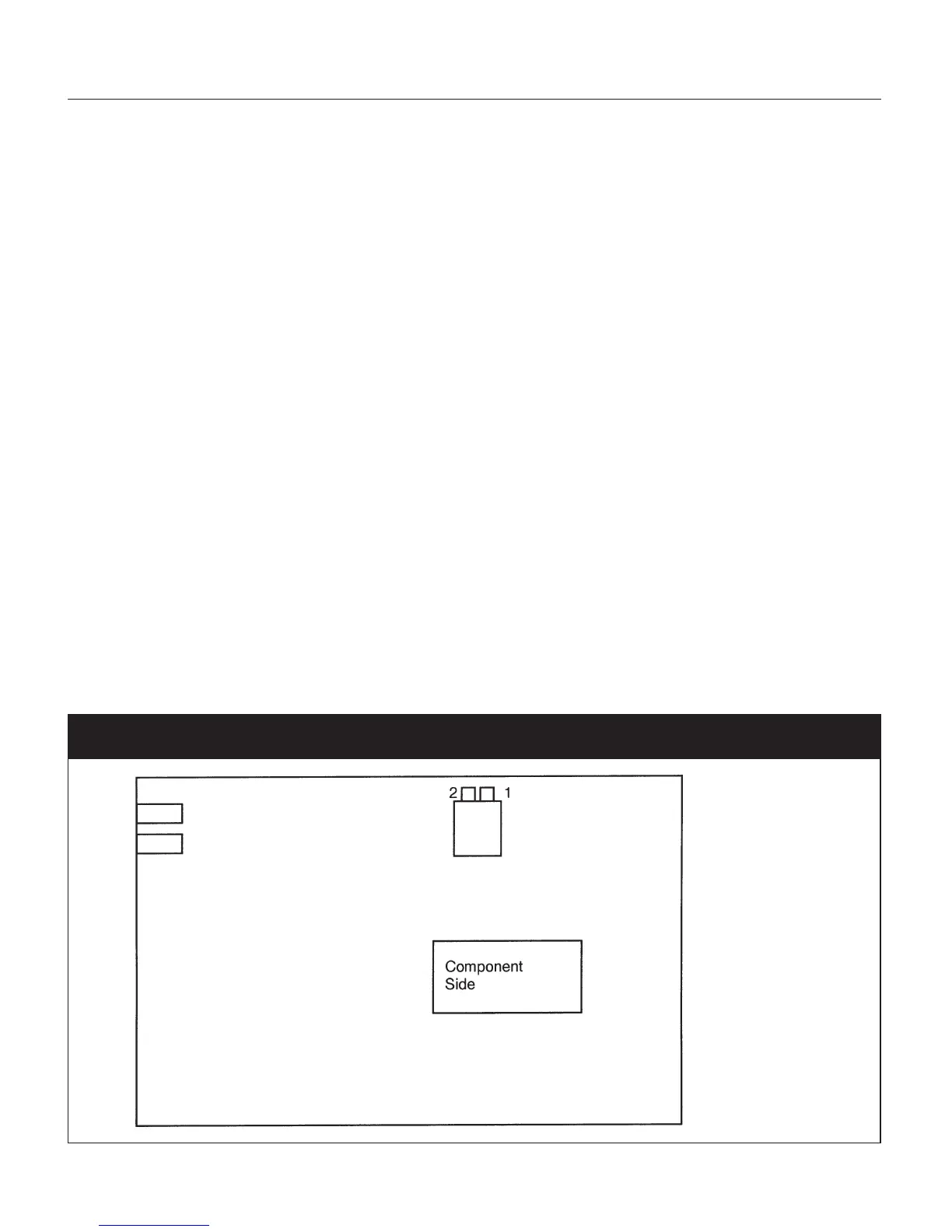
The security code setting is accessible by setting an internal dip switch (see Figure 13 below). There
are three Security levels. When each level has been assigned a code access to the parameters will be
available as follows:
• Level A: Allows access to parameters in Group 1 Only
• Level B: Allows access to parameters in Groups 1 and 2 Only
• Level C: Allows access to parameters to all Groups 1 - 5
To enter the security mode, remove the instrument form its case and reconfigure the internal dip-
switch settings to the Security Mode by placing SW1 and SW2 in the ON position.
Fig. 13 CPU Board DIP Switch Locations


 To Next Page