62 Eaton Static Transfer Switch 2000A 3-Pole Installation and Operation Manual 164001127—Rev 01
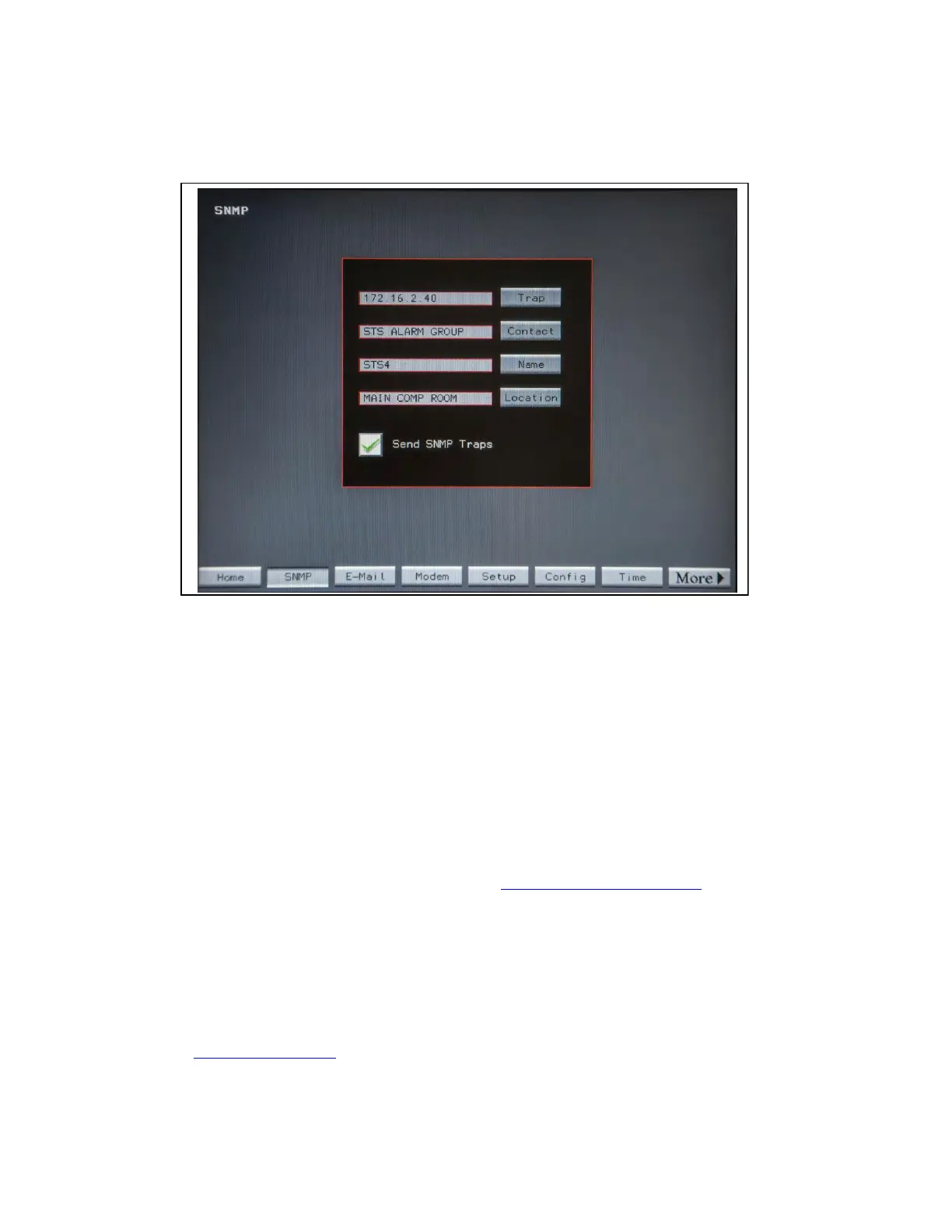
Figure 25. SNMP Screen
The SNMP screen is used to setup sending a summary alarm SNMP trap to Management Stations or Contacts.
A summary alarm trap is the only trap presented.
• Touch the Trap button to display the Keyboard Screen to set the IP address of the Management Station.
• Touch the Contact button to display the Keyboard Screen to set the name of the contact person who will
be receiving the traps. The contact can be a group name recognized by your email system.
• Touch Name button to display the Keyboard Screen to enter the name or designation of theSTS.
• Touch Location to display the Keyboard Screen to set the physical location of the STS.
• Touch Send SNMP Traps to toggle the between a green check mark (OK to send traps) and red X (do not
send traps).
The STS 2000A supports SNMP Version 1. Supported SNMP message types are Get and GetNext.
The SNMP MIB is available on the Eaton PDI website. Eaton PDI Static Transfer Switch https://www.eaton.
com/us/en-us/catalog/backup-power-ups-surge-it-power-distribution/eaton-pdi-static-transfer-switch.resources.
html
You can also have the MIB emailed to you by Eaton Service (1-800-843-9433).
1111..55 WWeebb SSeerrvveerr
The STS has a web server with web pages showing remote status of the STS. Link to the STS web server
using the IP address specified on Settings Screen >Ethernet panel >Address field.
See Chapter 13 Web Pages for more information.
System Setup: Networking














 To Next Page