78 Eaton Static Transfer Switch 2000A 3-Pole Installation and Operation Manual 164001127—Rev 01
1133..44 WWaavveeffoorrmmss PPaaggee
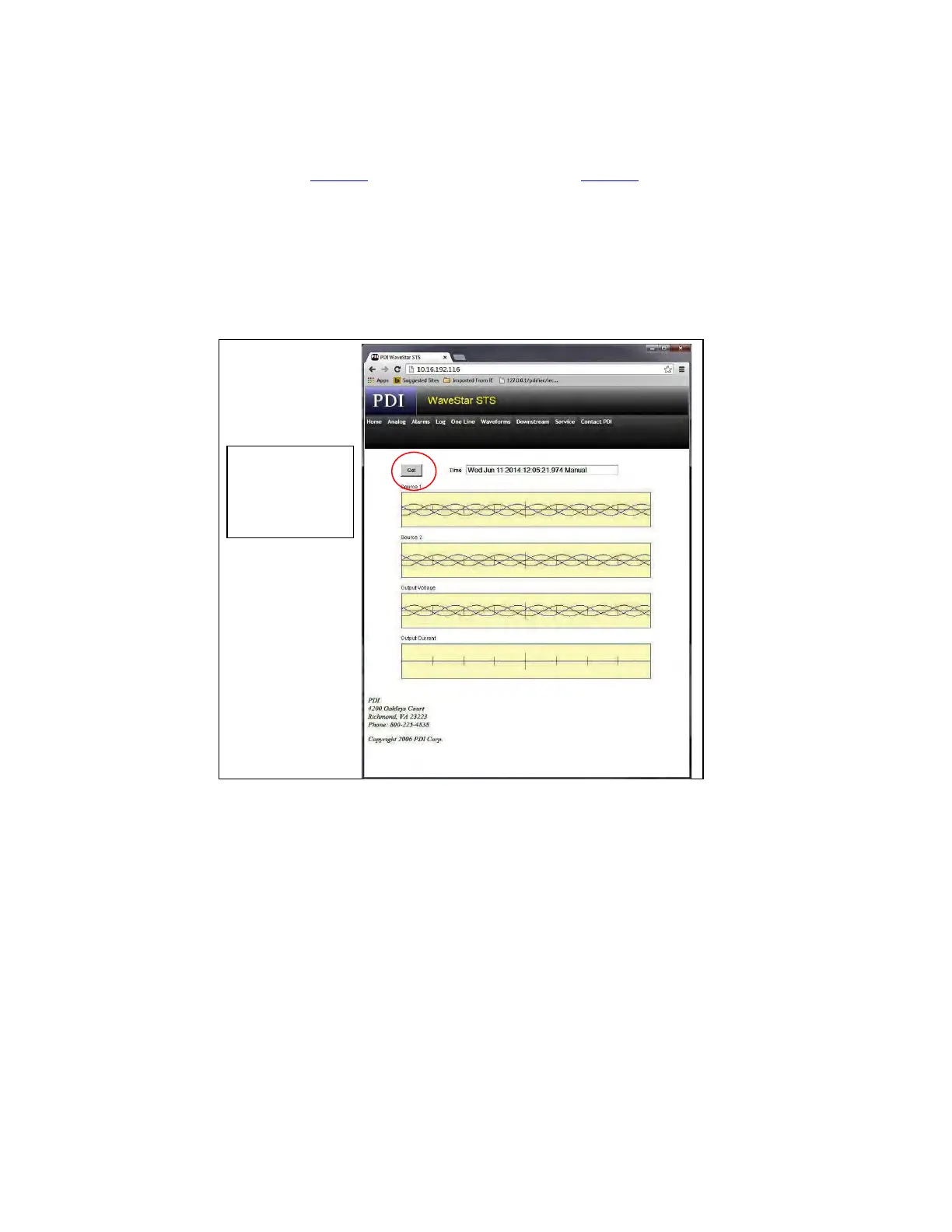
The Waveforms page (Figure 40) corresponds to the Plots screen (Figure 32). Click the Get button to click
through the waveforms associated with events. Waveforms are time-and-date stamped to let you associate
them with specific events in the Alarms or Log web pages. Up to 25 events with waveforms or plots are
stored.
Multiple web sessions can be in progress simultaneously. You can view a Log page in one session while
viewing Waveforms in another.
Figure 40. Waveforms Web Page
Click the Get
button to step
through the
waveform
entries.
Web Pages














 To Next Page