Eaton Static Transfer Switch 2000A 3-Pole Installation and Operation Manual 164001127—Rev 01 55
CChhaapptteerr 1100 SSyysstteemm SSeettuupp:: OOppeerraattiioonn
1100..11 CCoonnffiigguurraattiioonn SSccrreeeenn
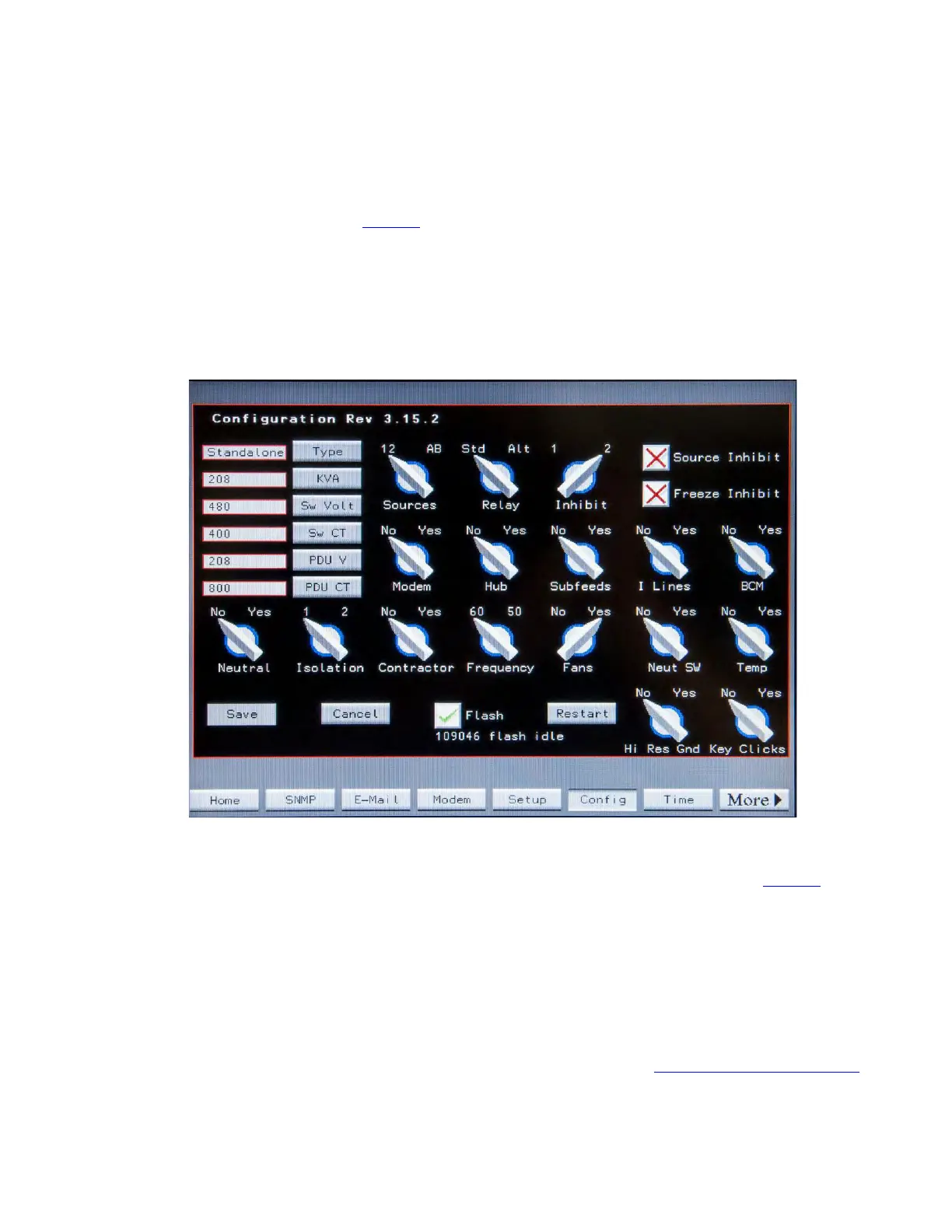
The Configuration screen (Figure 21) is setup by Eaton PDI at the factory and requires Eaton PDI authorization
to make changes, but any user can view the screen. Touch the Config button to view.
Eaton PDI uses the Configuration screen to describe the system to the Monitor software, which is common for
all Eaton PDI STS products. Parameters include physical characteristics (standalone or redundant system,
contractor board installation, fans, number of isolation MCSWs), power (voltages, frequency, KVA, etc.), and
distribution options.
Figure 21. Configuration Screen
1100..22 SSwwiittcchh SSeettttiinnggss SSccrreeeenn
Touch the Switch button in the navigation buttons to display the Switch Settings screen (Figure 22). The
Switch Settings screen is used to select or adjust parameters for sense and transfer algorithms.
Two of the three main transfer parameters—transfer algorithm and re-transfer setting—are set on the Switch
Settings screen and require administrator or other higher level authorization. The remaining choice—Preferred
Source—is set on the Home screen and requires operator-level authorization.
Use the Controls panel to select the transfer algorithm and retransfer behavior by setting these virtual
switches:
• Mode (VSS/POG): When the VSS/POG switch is touched to be moved, the Execute button is
highlighted as a precaution. The operator must touch Execute to move the virtual switch to the opposite
position, or Cancel to revert back to the previous selection. (See also 1.3 Transfer Process: Algorithms .)














 To Next Page