Guangzhou EC-PACK Packaging Equipment Co., Ltd.
EC-JET 1000Pro Continuous Inkjet Printer
3.3 Connection
Before connecting to the power supply, make sure the ON/OFF switch is in the OFF position. The wires
in this electrical supply lead are colorized in accordance with the following code:
GREEN-YELLOW EARTH (E)
BLUE NEUTRAL (N)
BROWN LIVE (L)
WARNING: THIS PRINTER MUST BE EARTHED. THIS PRINTER MUST ONLY BE
WIRED BY A QUALIFIED ELECTRICIAN. EC-JET CAN ACCEPT NO
RESPONSIBILITY FOR ANY DAMAGE CAUSED TO EITHER MACHINE OR
PERSONNEL DUE TO INCORRECT OR FAULTY WIRING.
3.3.1 Switch on the printer
Plug the printer into a suitable supply and switch the printer power switch at the rear right of the
machine to on.
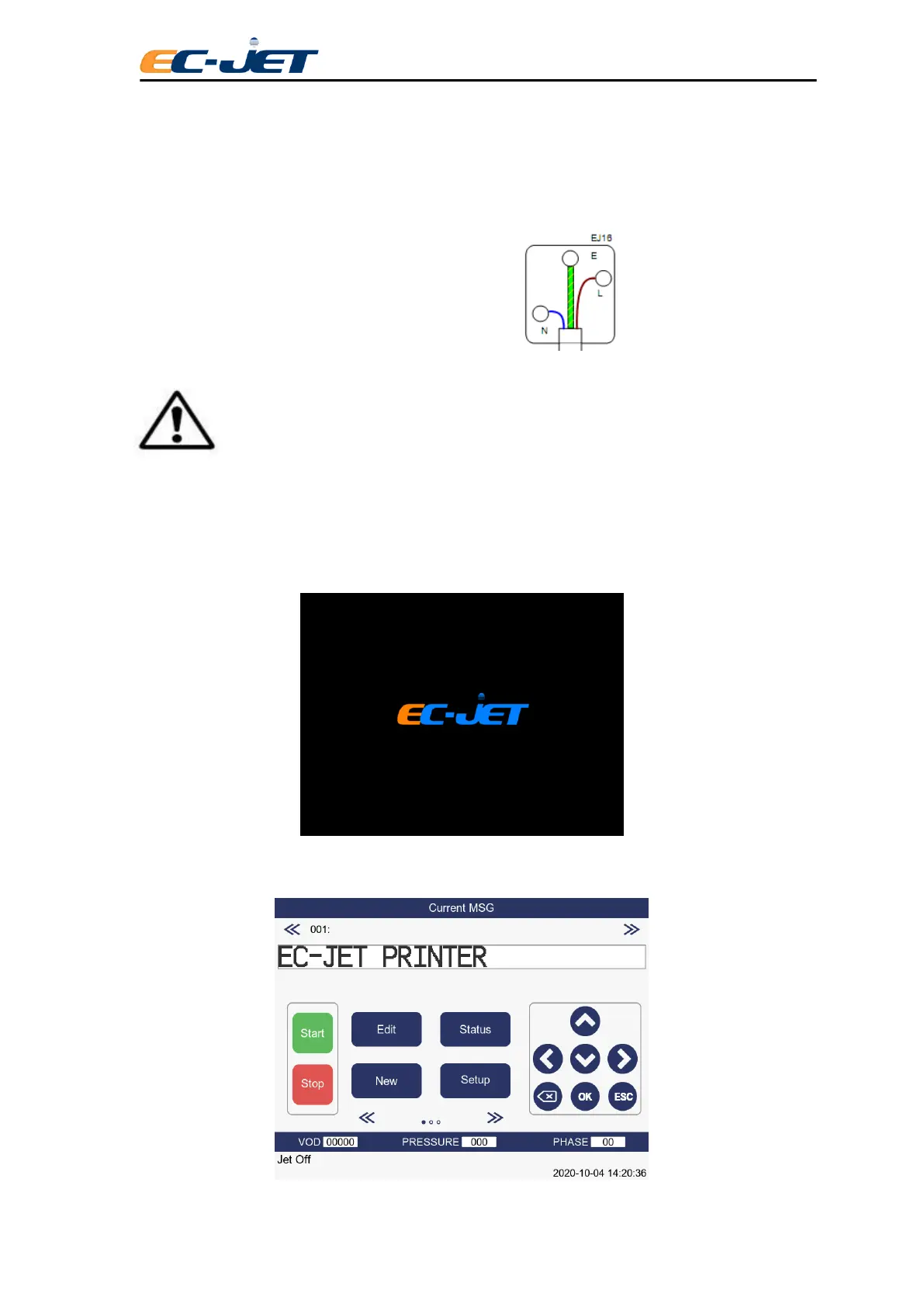
The following screen is displayed when power is switched on:
There will be a delay of a few seconds while the computer logic carries out internal checks. When these
checks are complete, the following display will be seen:



 To Next Page