Guangzhou EC-PACK Packaging Equipment Co., Ltd.
EC-JET 1000Pro Continuous Inkjet Printer
6.3.3 Ink Selection
A choice between MEK, Ethanol or Pigmented.
6.3.4 Password
On: Enable password
Off: Disable password
Can be turned to Off so the user can enter and exit menus at will without having to use the password.
If the password option is turned to Off at User Level 1, then only User Level 1 options will be displayed
until a higher level password has been entered. This value is retained on switching off the printer.
6.3.5 Change Password
Selecting this option and pressing the [enter] key, the PASSWORD menu will be displayed, first ask you
to enter the original password.
If the User Level 1 password is typed into this screen, the CHANGE PASSWORD menu is displayed with
the option to change only the User Level 1 password. If a User Level 2 password had been typed into the
PASSWORD screen, the CHANGE PASSWORD menu would have provided the option of changing both
levels of password.
6.3.6 Change Language
Printing must be stopped to change this option. It allows the user to define which language the screens
and menus are displayed in.
6.3.7 Remote Setup Menu
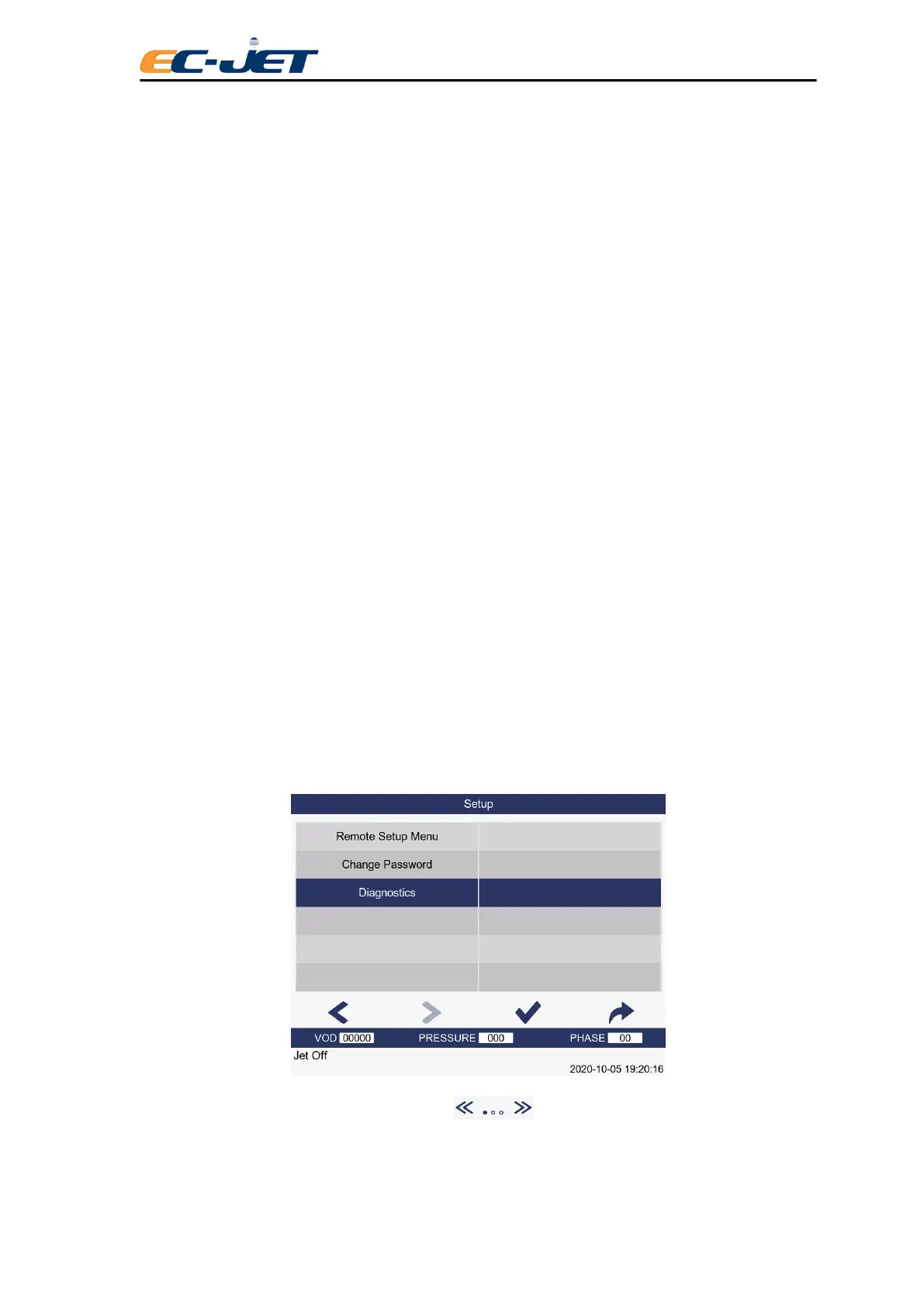
6.3.8 Diagnostic Menu
Allows the user to access certain parameters to confirm correct printer operation.
Entry to the DIAGNOSTICS menu is made by using the up/down arrow keys to locate the Diagnostic
Menu option from the SETUP menu:
Alternatively, a short cut may be used by pressing key on the keyboard.



 To Next Page