Guangzhou EC-PACK Packaging Equipment Co., Ltd.
EC-JET 1000Pro Continuous Inkjet Printer
Time fields
These are also created using a menu selected from the menu of the EDIT MESSAGE screen.
Similarly, the time format can be selected from a range of choices to suit requirements.
Logo Fields
Only available if logos are included in the software.
It enables logos to be placed into the message area.
Remote Fields
A remote field reserves an area in the message for data to be entered from a remote computer and then
print out the message.
5.2 Editing and Deleting Message Fields
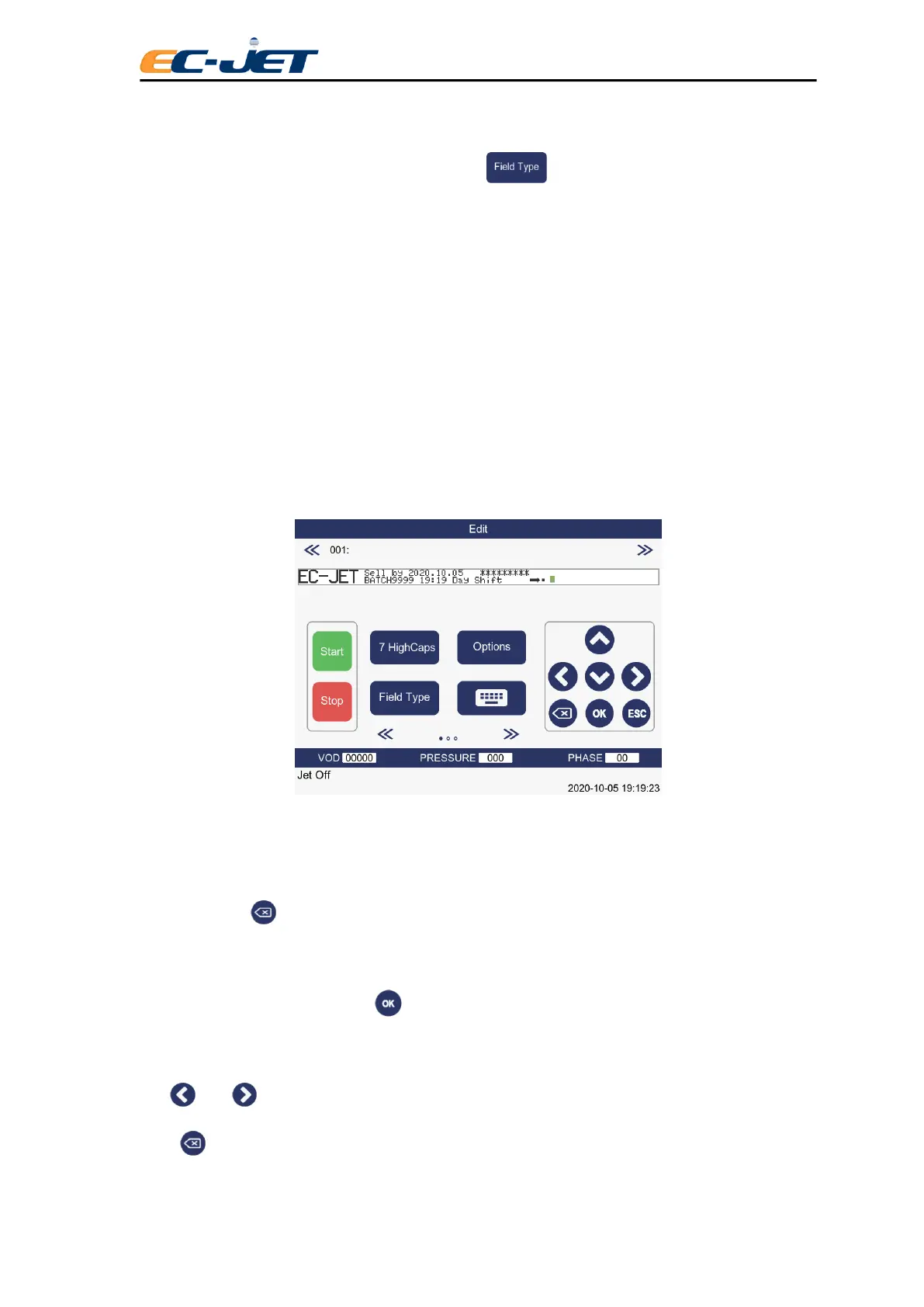
An example message comprises all types of field is used here to show how to create and modify
message fields:
The message used has a complete mix lf all field types: Time, Timed message, Sequential Number, Date,
Logo and Remote.
In the following pages, you will be shown how to use the message editing menus.
You may use the key to delete the character immediately whilst typing the text at Text Field.
5.2.1 Editing Fields
A field may be edited by pressing the key while the cursor is anywhere in the field.
5.2.2 Text Fields
The and can be used to move the cursor to a character in the field, change the message and
press key to delete the message.



 To Next Page